8
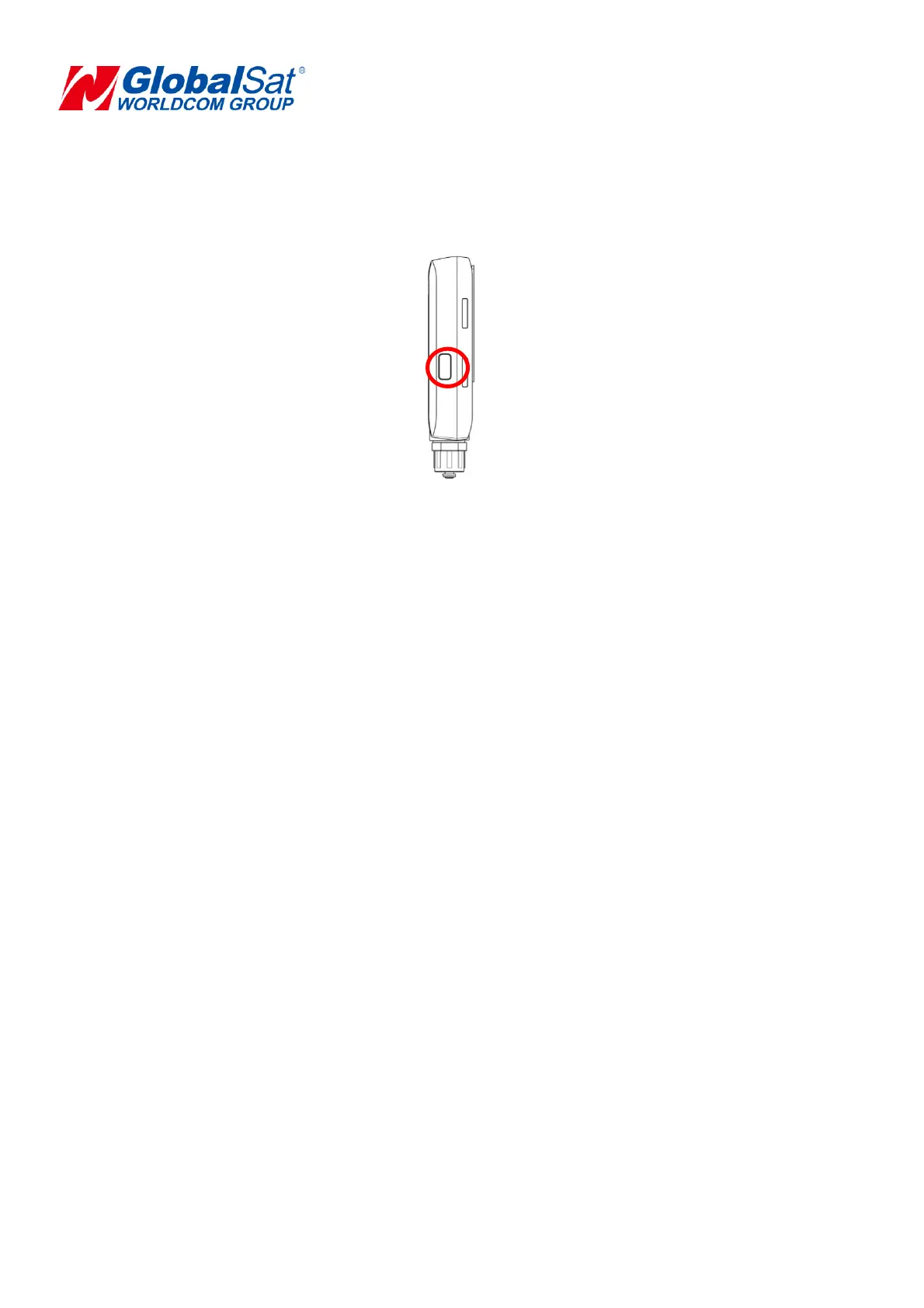
4.2 Power Button
1. To turn the device “ON/OFF”, short press the power button until the device has a short beep
sound with short vibration.
2. To perform a hard reset, press and hold the power button for over 10 seconds.
3. When device is turned on, you could tag current location by short press power button
once. When you tag, LED will flash marquee with a hint sound and short vibration.


 To Next Page