
 Need help?
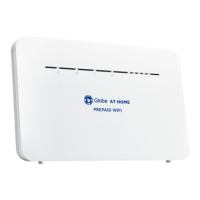
Do you have a question about the Globe AT HOME and is the answer not in the manual?
Plug in the modem and wait for the lights to turn on.
Connect to your WiFi network using the WLAN KEY as your password.
Steps for when the modem won't power on.
Solutions for no signal indicators.
Troubleshooting internet connection issues.
Steps to reset modem to factory settings.
 General
| Type | Wireless Router |
|---|---|
| Connectivity | Wi-Fi, Ethernet |
| Brand | Globe |
| Model | AT HOME |
| Parental Controls | Yes |
| Guest Network | Yes |
| Ethernet Ports | 4 |
| WAN Ports | 1 |
| Security Features | WPA2 |

 To Next Page