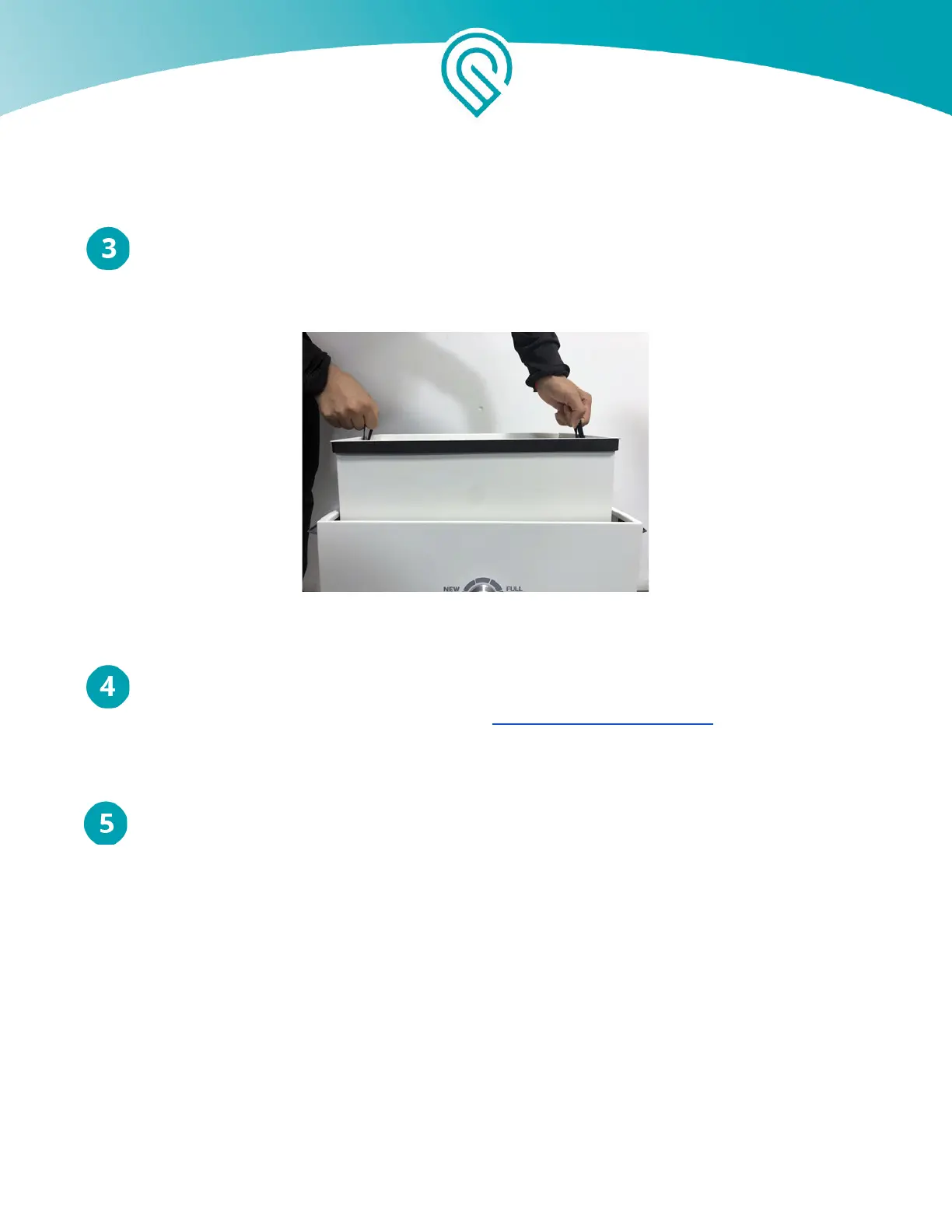
Remove and dispose of old filter cartridge
Grab and lift the two fabric handles to remove the filter cartridge from the Glowforge Air
Filter. Dispose of the used filter cartridge in the garbage.
Lift the filter cartridge out
Replace with a new filter cartridge
You can purchase new filter cartridges from https://shop.glowforge.com. Unwrap the filter
cartridge and inspect it for possible damage. Lower the new filter cartridge in the same way you
removed the old one.
Latch the lid closed and recheck the exhaust hose.
Inspect each latch to ensure it is fully closed. Grab the lid handles and pull upward on the
lid to ensure it does not come off. Finally, check the exhaust hose to ensure it has not become
disconnected from either the lid or the back of your Glowforge.
That’s it - you’re ready to print!
Cleaning
Turn off and unplug your Glowforge Air Filter off before cleaning. Ensure that the Glowforge Air
Filter is closed before cleaning; interior areas should not be cleaned. You can clean all exterior
surfaces with a rag dampened with isopropyl alcohol. Do not spray liquids on the Glowforge Air
filter as they may get inside.
Copyright Glowforge, Inc. 2020 18



 To Next Page