Labeling
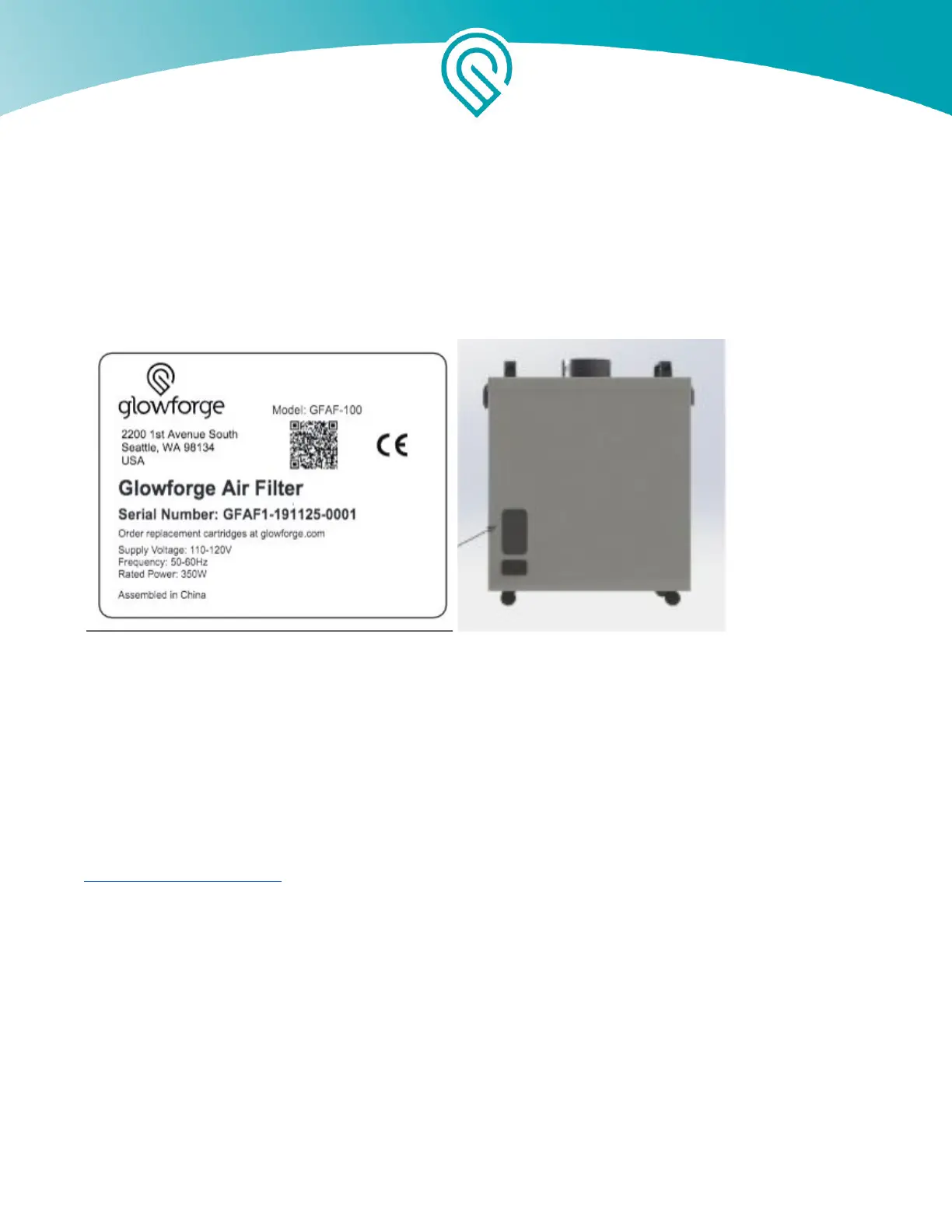
This label appears on the back of every Glowforge Air Filter, with an appropriate serial number, in
the spot indicated by the arrow in the diagram below.
Manufacturer's label Rear view of unit
Getting Started
Now that you’ve read all about Safety, you’re ready to get lasering!
Unboxing will take just a few minutes – we can’t wait for you to get started either. Of course, if you
encounter any challenges along the way, our Customer Success team can be reached at
support@glowforge.com to help.
Let’s get started, shall we?
Check for damage
If your packaging or any part of your Glowforge Air Filter shipment is visibly damaged on arrival,
we want to make it right as soon as possible! Send photos of the damage to
support@glowforge.com and wait until you hear back from us. If the Glowforge Air Filter itself is
visibly damaged, do not plug it in or attempt to operate it; contact us immediately.
Copyright Glowforge, Inc. 2020 6



 To Next Page