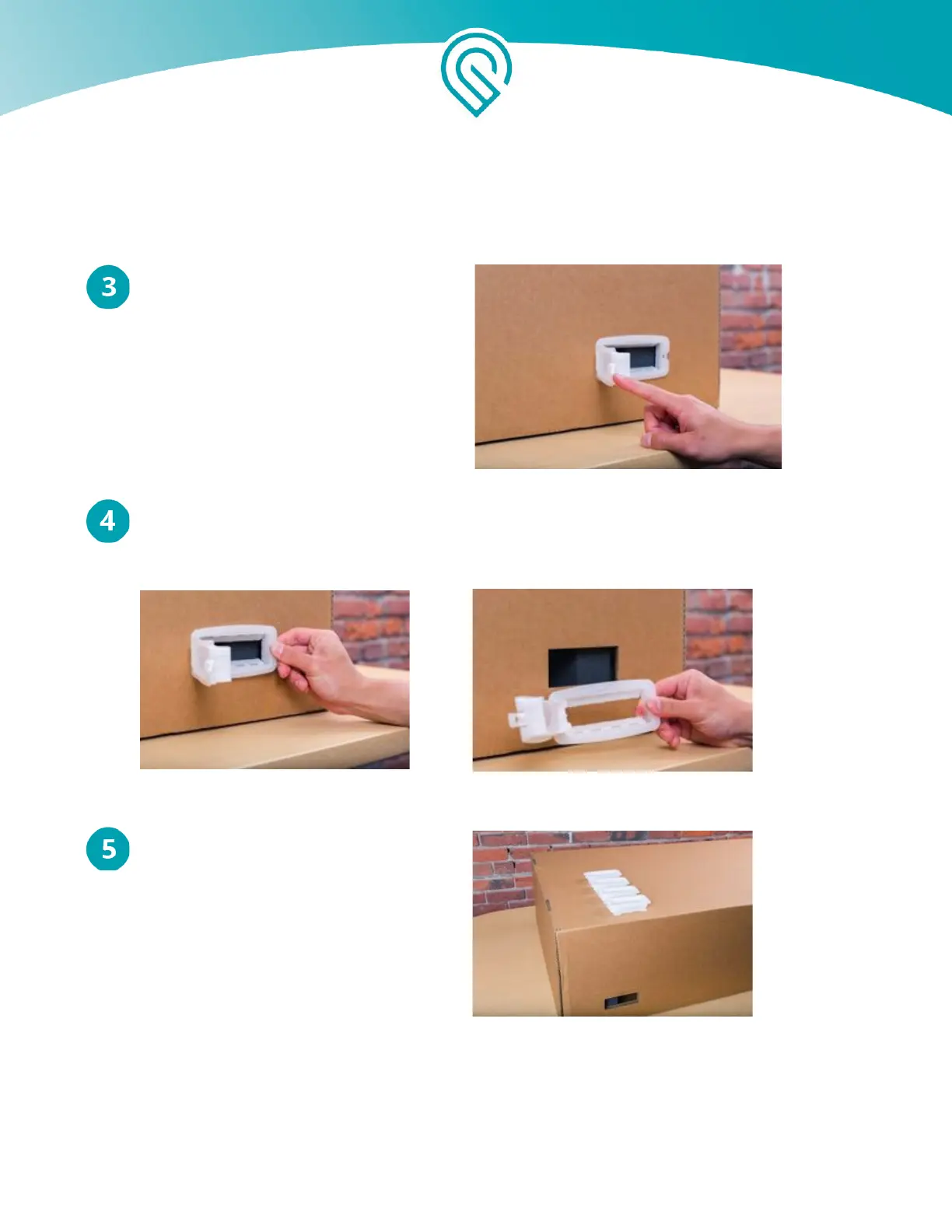
Open the Handle Locks
Pull each white tab from right to left,
opening the handle like a door.
Remove the Handle Locks
Gently pull the frame of the white handle to remove it from the box.
Keep all 4 Handle Locks
These lock The Glowforge Box together
and are Required for proper shipping of
your Glowforge unit.
Copyright Glowforge, Inc. 2020 22



 To Next Page