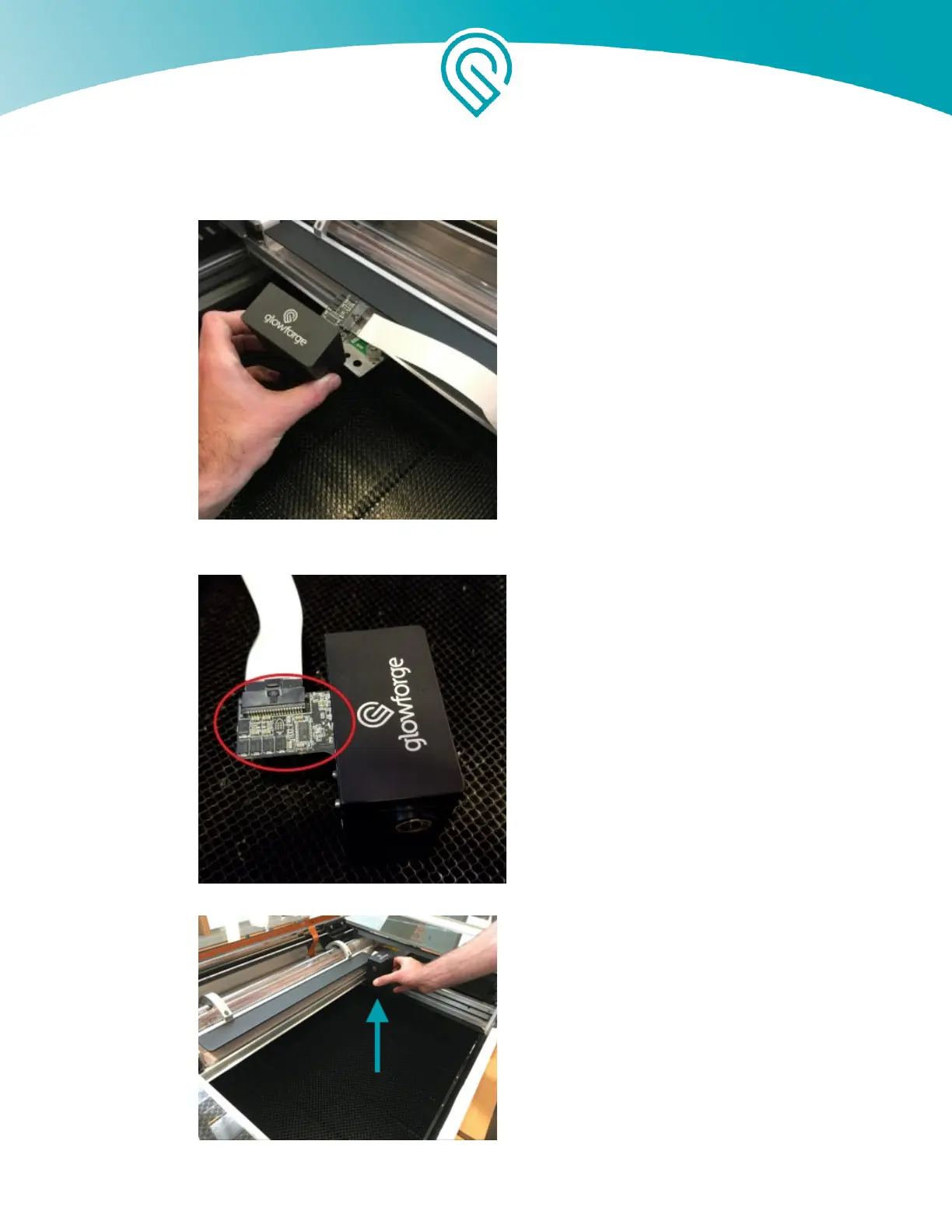
● Grasp the Printer Head as shown, and pull gently up and back to disengage the magnets
and remove it.
● Without disconnecting the wire ribbon, use canned air to blow the dust away from the
circuit board
● Review instructions for snapping in your Printer Head, then put the Printer Head back on.
Copyright Glowforge, Inc. 2020 48



 To Next Page