Allow All Moisture to Dry Completely
Wait for your Glowforge unit to dry completely before turning it back on.
Exhaust
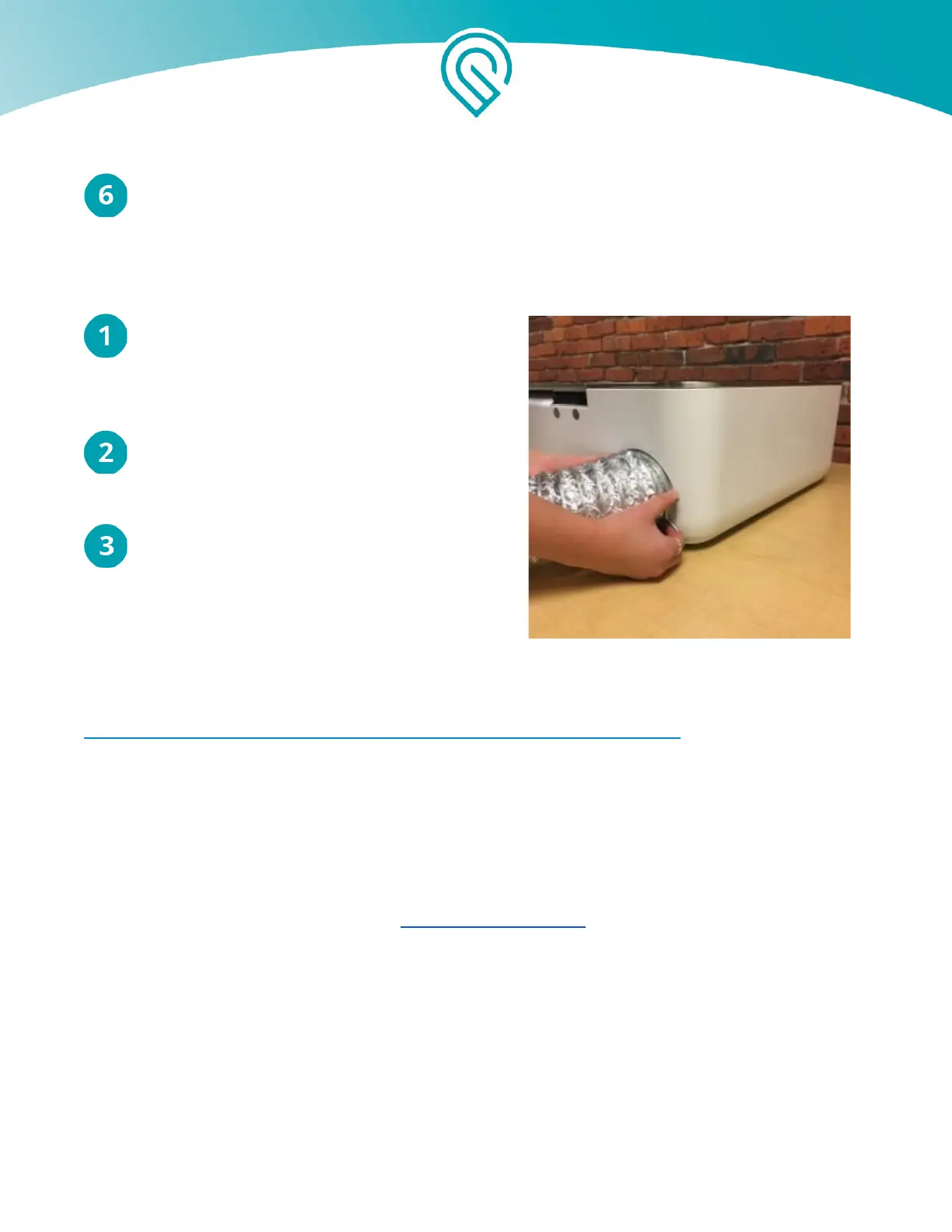
Remove Hose from Unit. Squeeze the two ends
of the ring clamp together and pull the clamp
and the hose away from your Glowforge to
remove them.
Use a vacuum to remove dust and debris from
your Glowforge unit’s exhaust connection as
well as from your outdoor exhaust vent
Replace your hose , or use a vacuum to remove
dust and debris from the hose. The exhaust is a
standard 4" exhaust vent, similar to what one
would use with a clothes dryer. You can see
it here.
http://www.homedepot.com/p/GE-4-in-x-8-ft-Dryer-Duct-PM8X73DS/100050673
Service
The Glowforge unit may not be serviced or repaired by the user. Should service or repair be required,
it must be returned to the factory; contact support@glowforge.com for instructions.
Copyright Glowforge, Inc. 2020 50



 To Next Page