Unlock All Four Handle Locks
Use the pull tab to open the handles. Position the two back flaps so they face directly
inside the box.
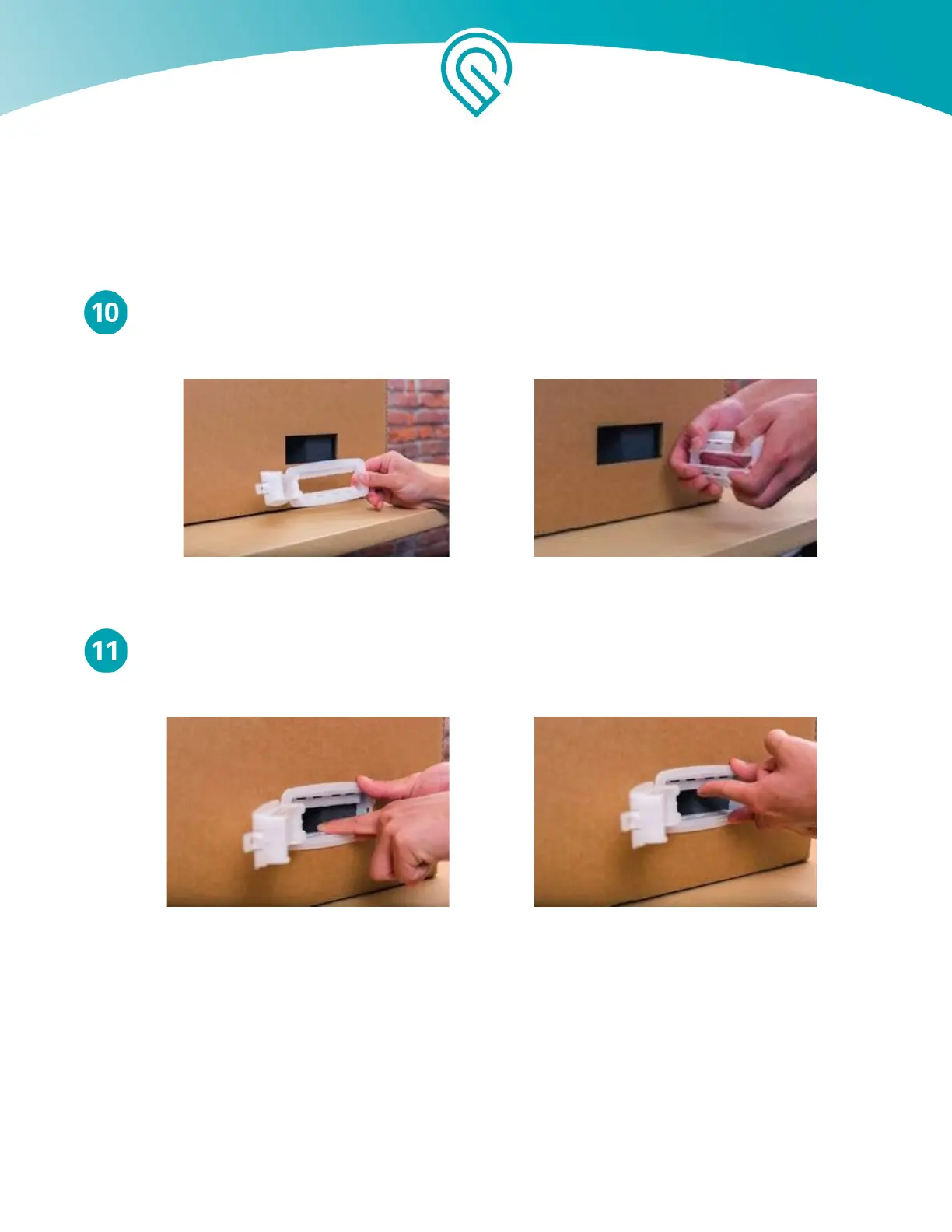
Insert Handle Locks
Insert all four handle locks so they sit flush against the outer box. Use your finger to gently
lock the inner tabs down and up into their final position.
Copyright Glowforge, Inc. 2020 57



 To Next Page