Put it together
We’ve made you step-by-step instructions to turn that beautiful collection of box pieces into an
actual Snap and Store Box. Go back to your workspace where you were printing the box (if you
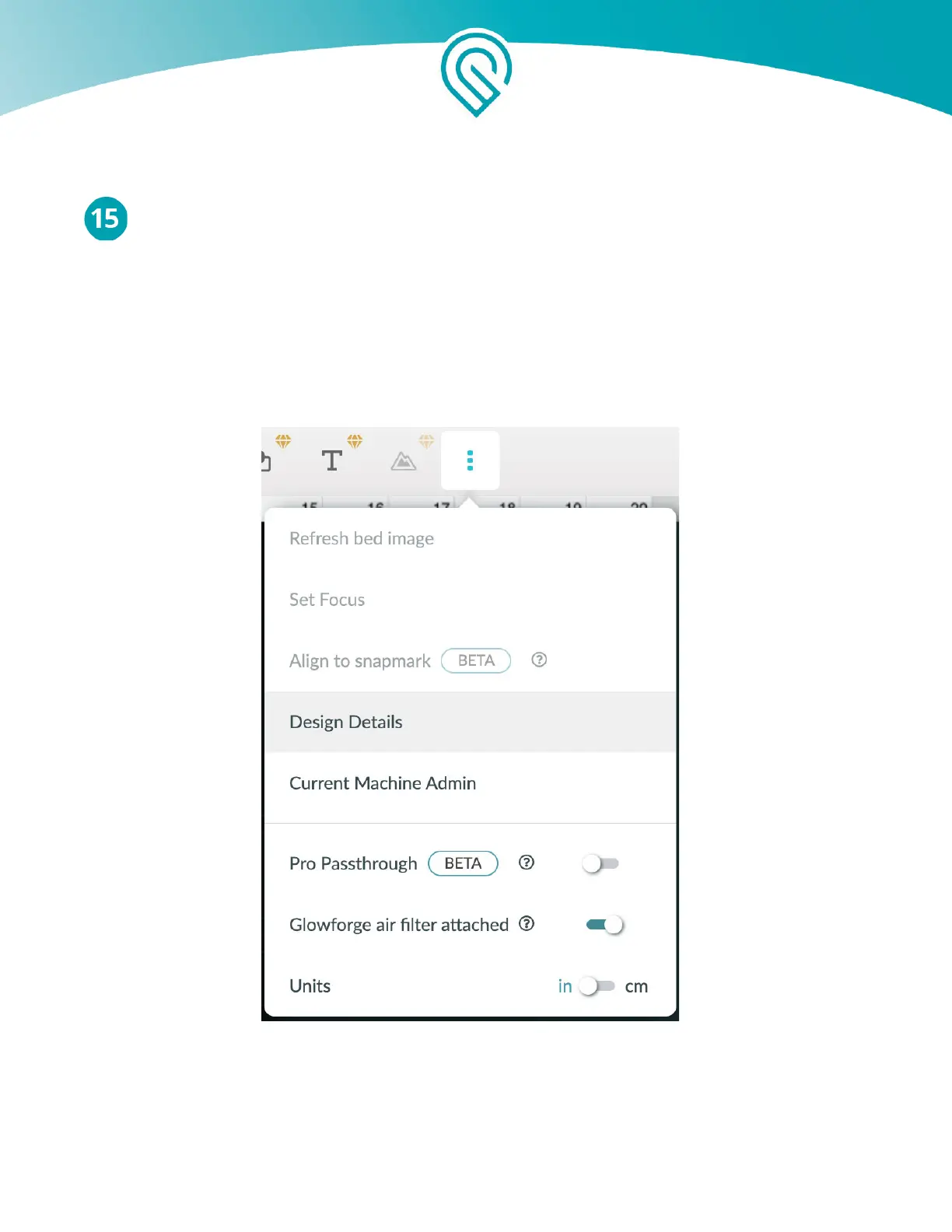
don’t have the box open on screen - open it again), and click on the icon in your toolbar that has
three little dots. After clicking the three little dots, click on “Design Details”.
When you do this, instructions will slide in from the right. You can view them in place or pop
them open in a new window. Now, all you need to do is follow the steps. Your finished box is
minutes away!
Copyright Glowforge, Inc. 2020 68



 To Next Page