- 8 -
This Quick Start Guide will let
you start using your Streamer,
but for more information please
download the full user manual
from www.streamer.rocks.
Getting started
Mount your Streamer on either its tripod stand
(see B and C) or its suction mount (see D and
E) with or without the supplied gooseneck.
Use the supplied lead to plug your Streamer
into a USB-C port* on your PC (see F).
*If your PC only has USB-A ports, use a USB-A
to USB-C adapter.
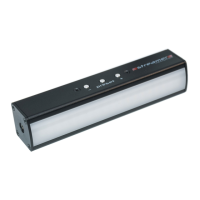
Controlling using the onboard buttons
On your Streamer:
• See A. Press the PRESET button to scroll
through 4 fixed presets (you can create 4
more custom presets in the GLP Streamer
application).
• Press + and – to control light intensity.
Installing the GLP Streamer application
1. Go to https://www.streamer.rocks and
download the GLP Streamer application
installation file.


 To Next Page