R 22MAR23
PART No.
SHEET
ALL INFORMATION WITHIN ABOVE
BORDER TO BE PRINTED EXACTLY
AS SHOWN ON 8.5 x 11 WHITE 16
POUND
NON-BOND RECYCLABLE
PAPER.
PRINT ON BOTH SIDES,
EXCLUDING TEMPLATES. TO BE
UNITED IN ACCORDANCE
WITH
GMCCA SPECIFICATIONS.
Date Revision Auth DR
Title
Ultium PowerUP Charge Station
User Manual
13DEC22 Fourth Re l SAR
MB
22MAR23
Fifth Re l
SAR
MB
84922762
29NOV22
Third Re l
SAR
AH
18
EN
7. TROUBLESHOOTING
7.1 SOFTWARE
• Before updating the Ultium PowerUP Charge Station software, make sure there is a stable internet connection via Wi-
Fi
• IMPORTANT NOTE: If the internet connection is not stable, the software update process may take longer than
expected
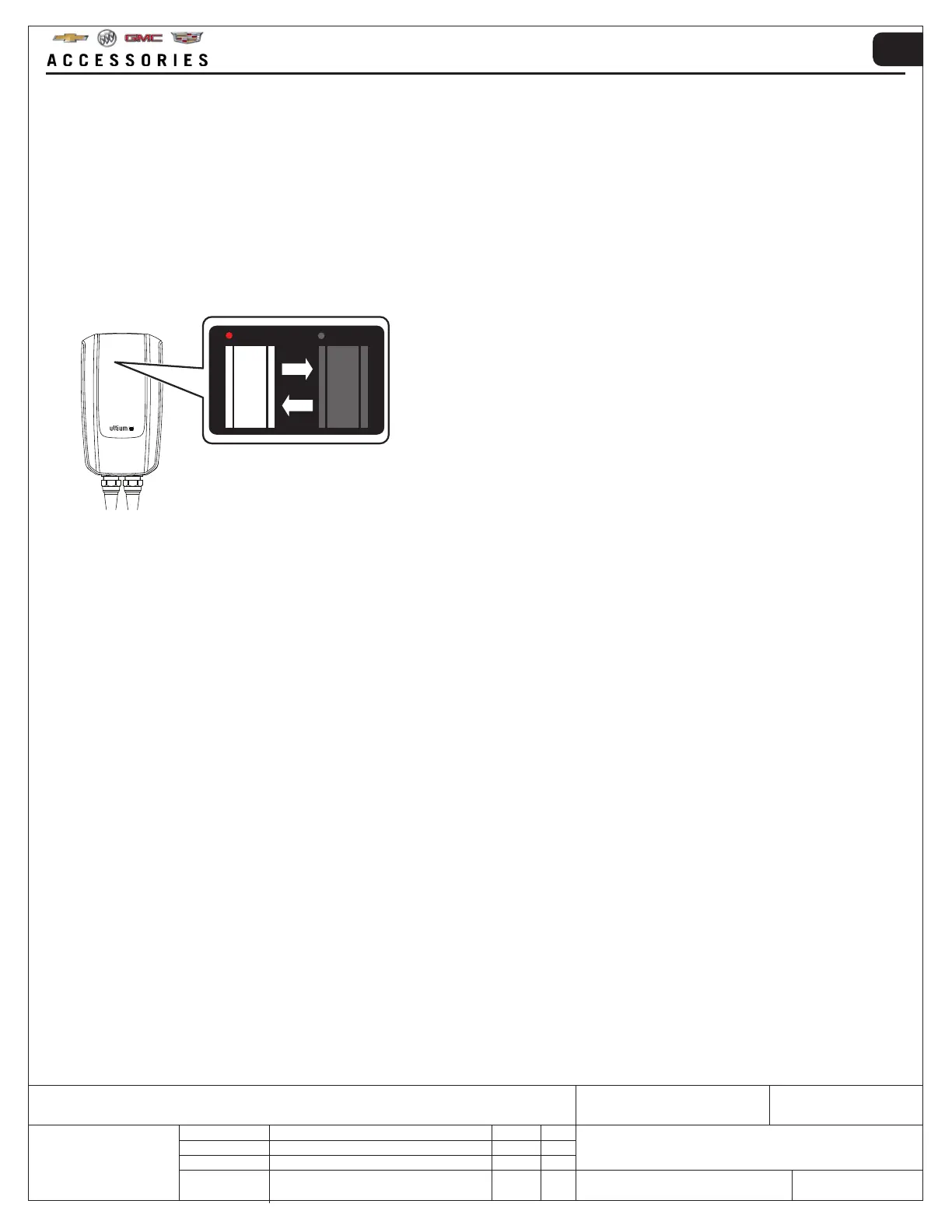
• Software update status can be viewed on the App and by the flashing indicators shown below
7.2 MOBILE APP
• If there is a power interruption, the Mobile App will show that the Ultium PowerUP Charge Station has stopped the
charging session due to an error
• If charging an EV with the Ultium PowerUP Charge Station and there is a power failure, the charging session will stop
When the power is restored, the charging session can continue
• Power failures will not affect the Mobile App Charging Schedule
• The App will display information related to errors and suggested actions
• When using the Mobile App, make sure Bluetooth
®
is activated on the smart mobile device and that it is within
Bluetooth
®
range of the unit



 To Next Page