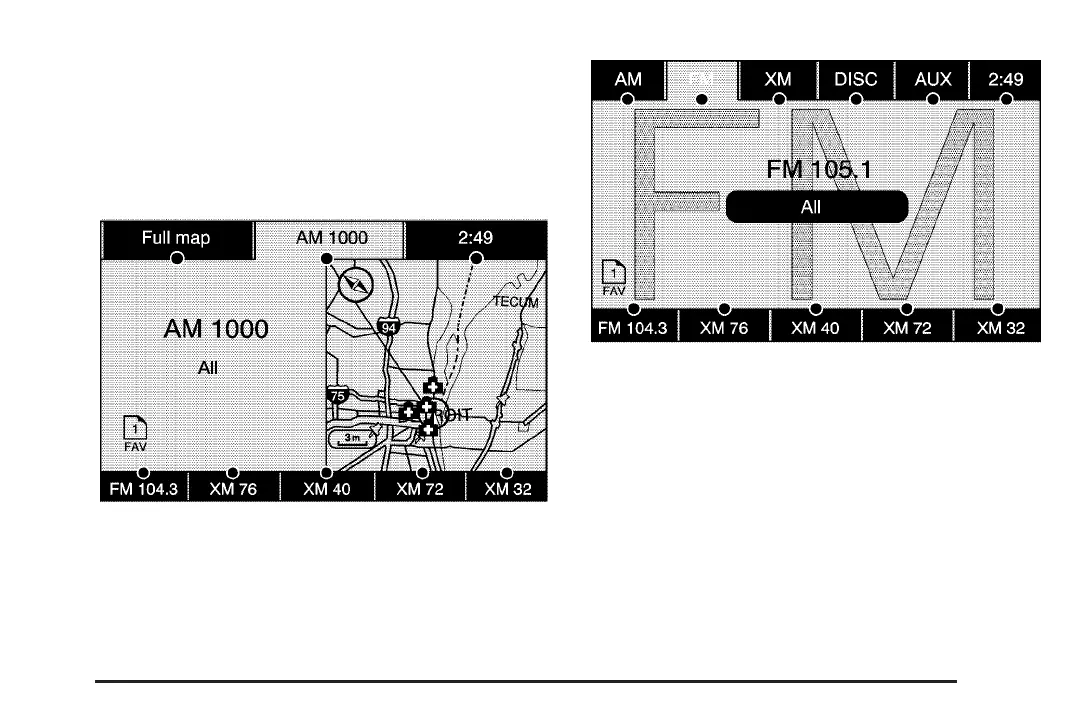
Finding a Station
There are three ways to find/change stations:
• If viewing a full map screen, use the
¨©SEEK keys and the f (tune) knob.
You cannot change preset stations from the
full map screen.
• If viewing a full map screen, select the source
screen (AM, FM, XM, CD, etc..) button. The
display will split between the audio screen and
the map screen. All station-changing functions
can be performed from this screen.
• If you do not want to view a split screen or
you are not on a map screen, press the
AUDIO hard key to enter the audio menu.
AM source shown, other sources similar
FM source shown, other sources similar
59














 To Next Page