The information in the system may not always be
complete. Road conditions such as prohibited
turns, detours, and construction zones, change
frequently. It is important to consider whether you
can follow the directions given by the system
for the current conditions.
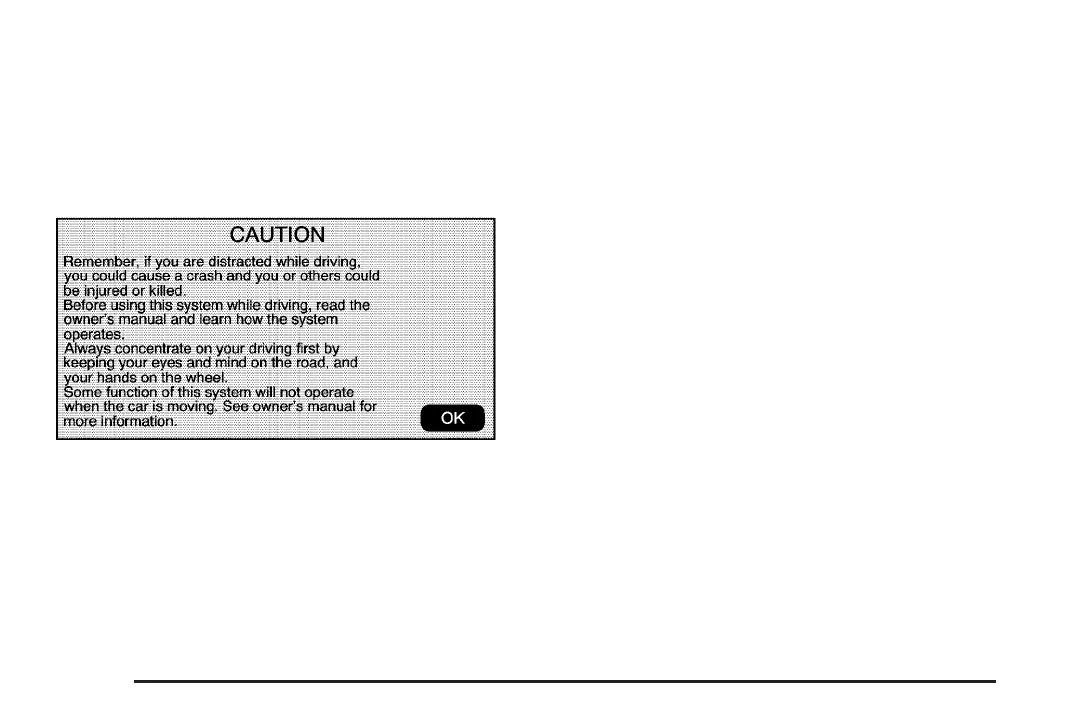
Every fifty times the vehicle is started and the
navigation system is turned on, the Caution screen
will appear. After reading the caution, select OK to
load the map DVD information. If OK is not
selected, all hard keys except for NAV (Navigation)
and DEST (Destination) can be accessed. You can
also press the NAV hard key to have this Caution
screen appear.
When getting started you may set the navigation
system to your preference using various options.
To do so, reference the following topics:
Language — English/Metric Units
To change the language of the navigation screens,
see “Driver Information Center, DIC Vehicle
Customization” in the Index of your vehicle’s
owner manual.
To change the navigation screens from English
or metric, see “Driver Information Center, DIC
Controls and Displays” in the Index of your
vehicle’s owner manual.
Storing Radio Station Presets
To set preset radio stations:
1. Press the
O (power) knob to turn the
system on.
2. Press the AUDIO hard key and select the
desired band (AM, FM1, FM2, XM1, or
XM2 (if equipped)).
3. Use the
f (tune) knob or the SEEK arrows to
go to the desired station.
8














 To Next Page