Getting to Know Your Envoy
12
CONVENIENCE
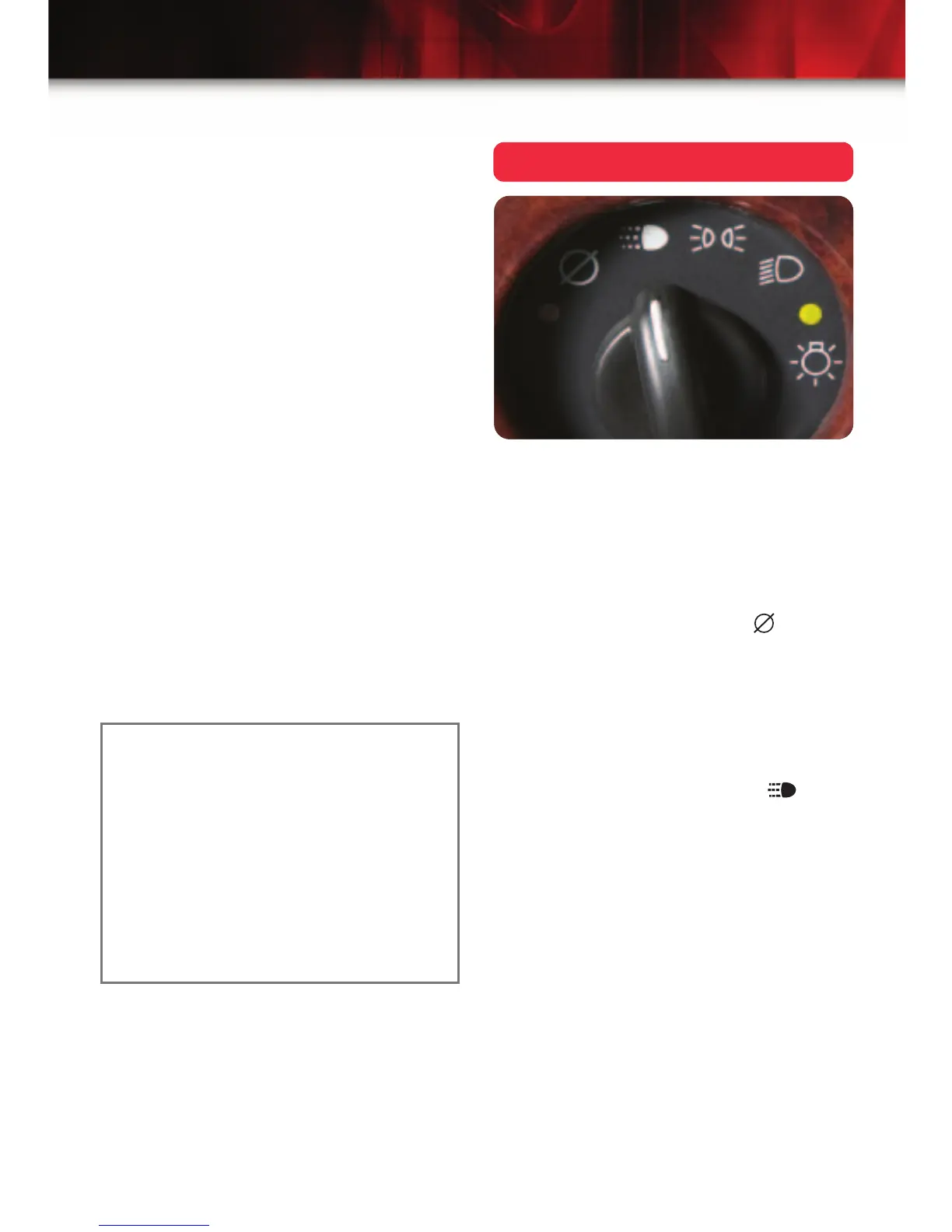
Headlamp Controls
The exterior lamps knob is located on
the instrument panel, to the left of the
steering wheel.
Turn off the Daytime Running Lamps
(DRL) and automatic headlamp
system
• Move the knob to the Off ( )
position.
The automatic headlamp system auto-
matically reactivates at the next key-on.
Activate the Daytime Running Lamps
(DRL) and automatic headlamp system
• Move the knob to the Auto ( )
position.
• The automatic headlamp system will
turn on all exterior lamps and the
instrument panel/radio lights when
they are needed during the day or
when the vehicle is shifted out of
Park at night.
Load multiple CDs
1. With the ignition on, press and hold
the LOAD button for two seconds.
The unit beeps and the light to the
right of the slot begins to flash.
2. When the light stops flashing and
turns green, insert a disc partway,
label side up.
3. The indicator light will begin blinking
and then turn green. Load another
disc at this time.
4. When loading more than one but
fewer than six CDs, press the LOAD
button again to signal that loading is
complete.
When more than one disc is loaded,
a number for each disc is displayed.
5. To play a specific CD, press the CD
AUX button and then the number of
the CD you want to hear.
A small bar appears under the CD
number that is playing, and the track
number appears.
See Section 3 of your Owner Manual.
Note: CDs with any affixed labels may
jam in the CD player. Label a CD using
a permanent marker. If more than one
CD is inserted into the slot at one time,
or if scratched or damaged CDs are
played, the CD player could be dam-
aged. When using the CD player, use
only CDs in good condition without
labels; load one CD at a time; and keep
the CD player and the loading slot free
of foreign materials, liquids or debris.














 To Next Page