1-3
Power Driver’s Seat (Option)
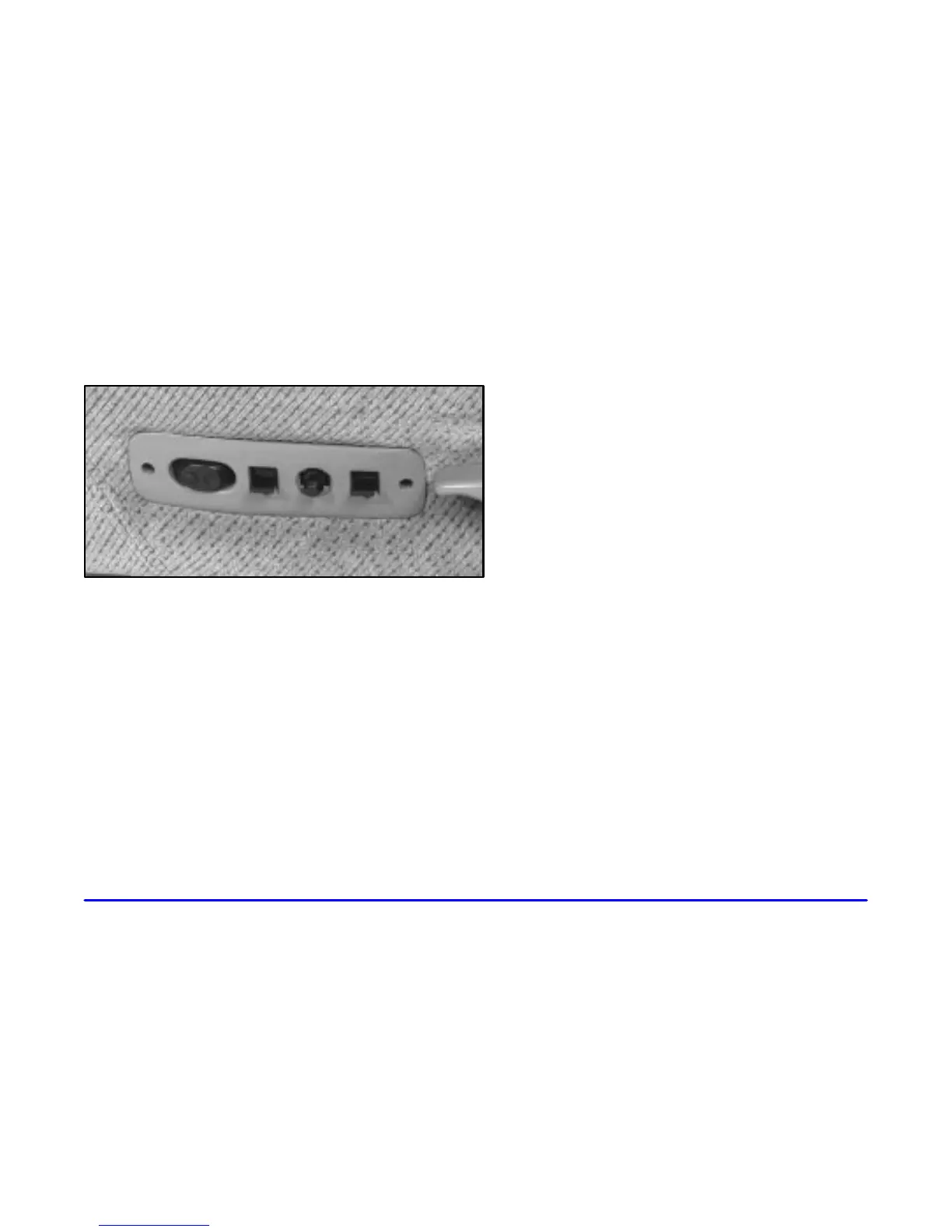
If your vehicle has a power seat on the driver’s side, you
can adjust it with these controls at the outside edge of
the seat.
You can use the round center knob to move the seat to
where you want it. To raise the seat, move the knob up.
To lower the seat, move the knob down. To move the
seat forward, move the knob toward the front of the
vehicle. To move the seat rearward, move the knob
toward the rear of the vehicle.
You can also raise and lower the front and rear of the
seat. To raise the front of the seat, move the front lever
up. To lower the front of the seat, move the front lever
down. To raise the rear of the seat, move the rear lever
up. To lower the rear of the seat, move the rear
lever down.
The switch located at the front of this control panel
is for the power lumbar adjustment, which is
explained next.











 To Next Page