1-4
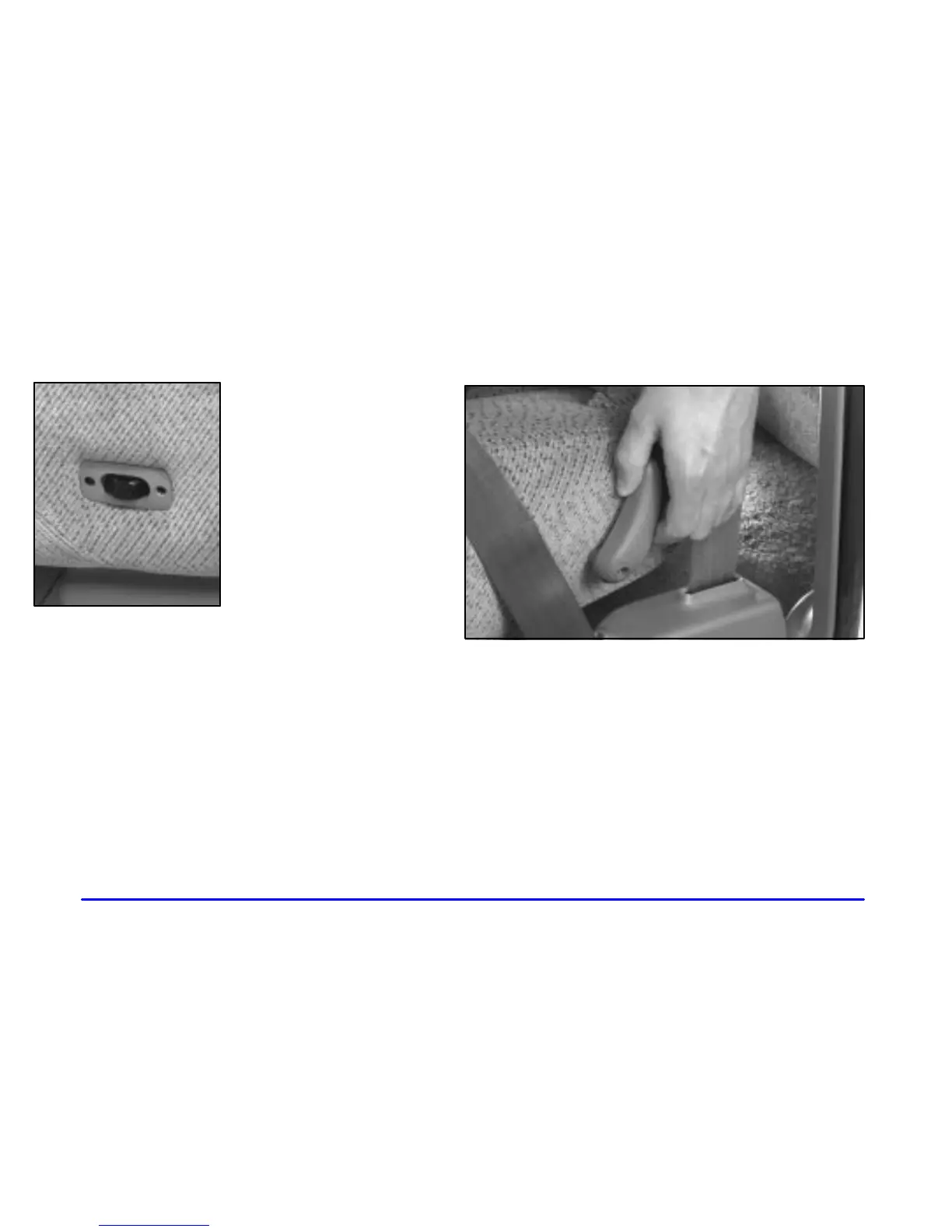
Power Lumbar Control
If you have power lumbar
adjustment, you can
increase or decrease lumbar
support in an area of the
lower seatback.
To increase support, press and hold the front of the
rocker switch. Let go of the switch when the lower
seatback reaches the desired level of support.
To decrease support, press and hold the rear of the
rocker switch. Let go of the switch when the lower
seatback reaches the desired level of support.
Reclining Seatbacks
To adjust the front seatback, move the lever rearward.
Release the lever to lock the seatback where you want it.
Move the lever again rearward and the seatback will go
to an upright position.









 To Next Page