EasyManua.ls Logo

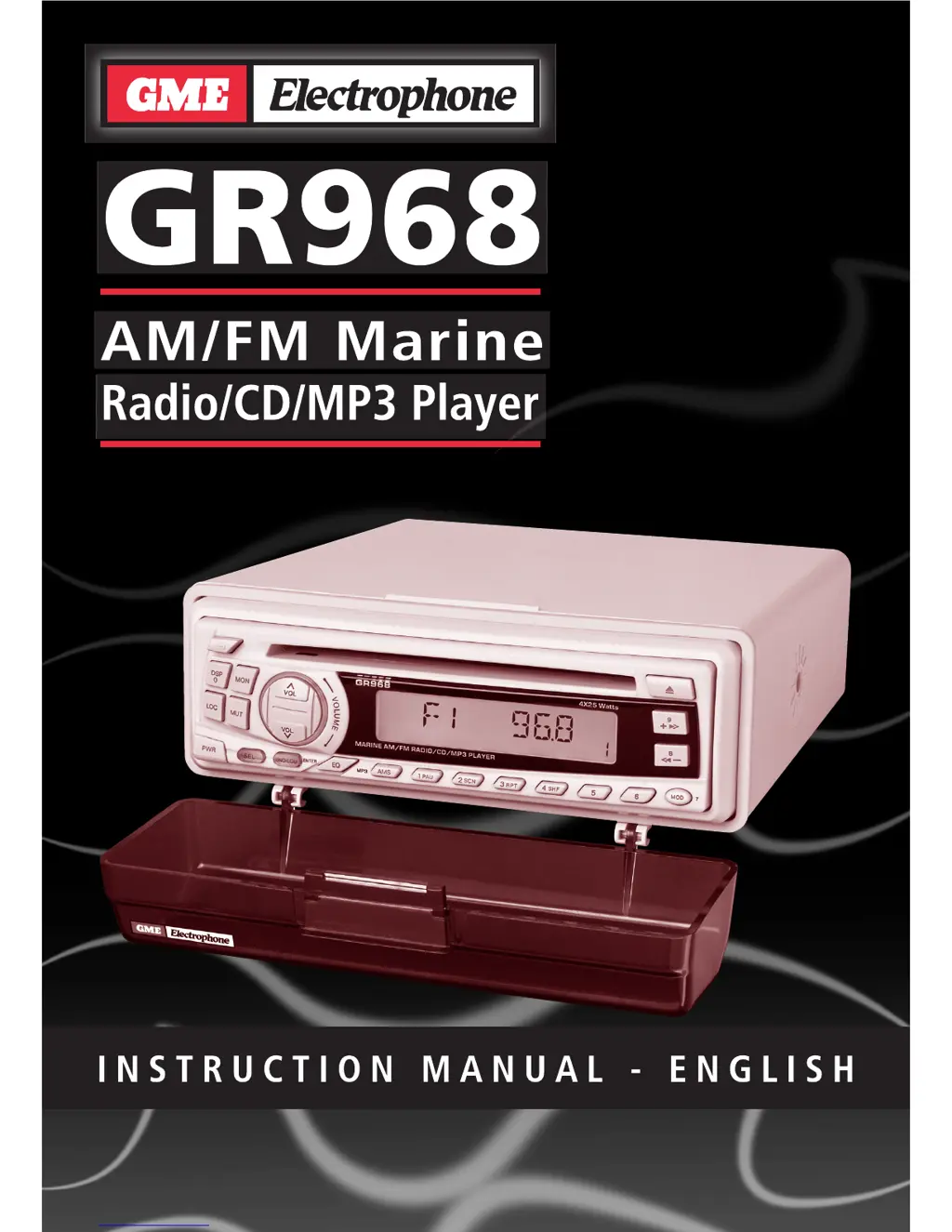
GME GR968 - User Manual

GME GR968
12 pages
Print Icon
To Next Page IconTo Next Page
Loading...

Questions and Answers

  • N
    Nancy MitchellAug 11, 2025
    What to do if my GME Stereo Receiver has no power?
    • J
      Jennifer PadillaAug 11, 2025
      If your GME Stereo Receiver isn't powering on, there are several things to check: * Ensure the vessel’s battery switch is on, if the power supply is connected via a master switch. * Inspect and replace any blown fuses. * Also, if there is already a disc in the player, remove it before inserting a new one.
  • D
    danielle47Aug 21, 2025
    Why GME Stereo Receiver not reading disc?
    • S
      strongdanielAug 21, 2025
      If your GME Stereo Receiver is not reading the disc, it might be due to several reasons. Ensure you're inserting the disc with the label facing up. The disc might be dirty or defective, so try cleaning it or using another disc. If the unit is overheating from direct sunlight, cool it down or shield it from the sun.
  • J
    Juan HolmesSep 1, 2025
    What to do if there is condensation on the laser lens of my GME Stereo Receiver?
    • B
      Brett MartinSep 1, 2025
      If you notice condensation on the laser lens of your GME Stereo Receiver, leave the player powered on for about an hour and try again.

GME GR968 Specifications

FM Radio IconFM Radio
frequency range87.5 – 108 MHz
frequency step50 kHz
intermediate frequency10.7 MHz
AM Radio IconAM Radio
frequency range522 –1620 MHz
frequency step9 kHz
intermediate frequency450 kHz
Audio Amplifier IconAudio Amplifier
audio output100 W Peak
speaker impedance4 Ohm
frequency response40 Hz – 18 kHz
General IconGeneral
DC supply input11 – 16 Volts
overall size195 mm (W) x 80 mm (H) x 235 mm (D)
supply current10 Ampere (max)