Need help?
Do you have a question about the GME GX300 and is the answer not in the manual?
Essential safety guidelines for operating the GX300, including distance and supervision.
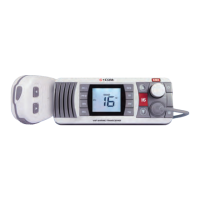
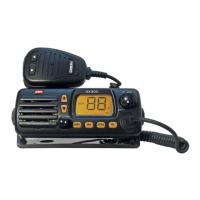
Identifies and illustrates the controls located on the front of the GX300.
Instructions for initiating voice transmission using the PTT button and proper microphone technique.
Details on Channel 88 as the designated marine safety channel for emergency calls.
Steps for making distress (MAYDAY), urgent (PAN PAN), and warning (SECURITE) calls.
Accessing and using the preset priority channel (Channel 8) for CB operations.
Step-by-step instructions for physically mounting the radio unit using the bracket.
How to correctly connect the GX300 to the vehicle's or vessel's power supply.
Essential advice on selecting and connecting a suitable antenna for optimal performance.
 General
| Brand | GME |
|---|---|
| Model | GX300 |
| Category | Marine Radio |
| Language | English |

 To Next Page