Support email: pmg-aftersale@outlook.com
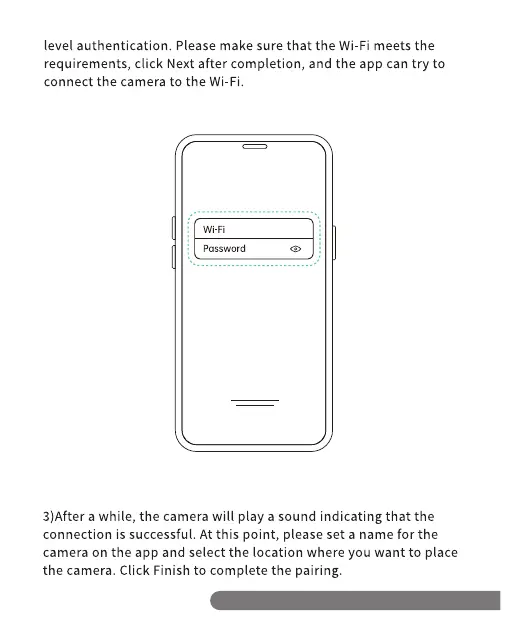
level authentication. Please make sure that the Wi-Fi meets the
requirements, click Next after completion, and the app can try to
connect the camera to the Wi-Fi.
Wi-Fi
password
3)After a while, the camera will play a sound indicating that the
connection is successful. At this point, please set a name for the
camera on the app and select the location where you want to place
the camera. Click Finish to complete the pairing.
Support email: pmg-aftersale@outlook.com


 To Next Page