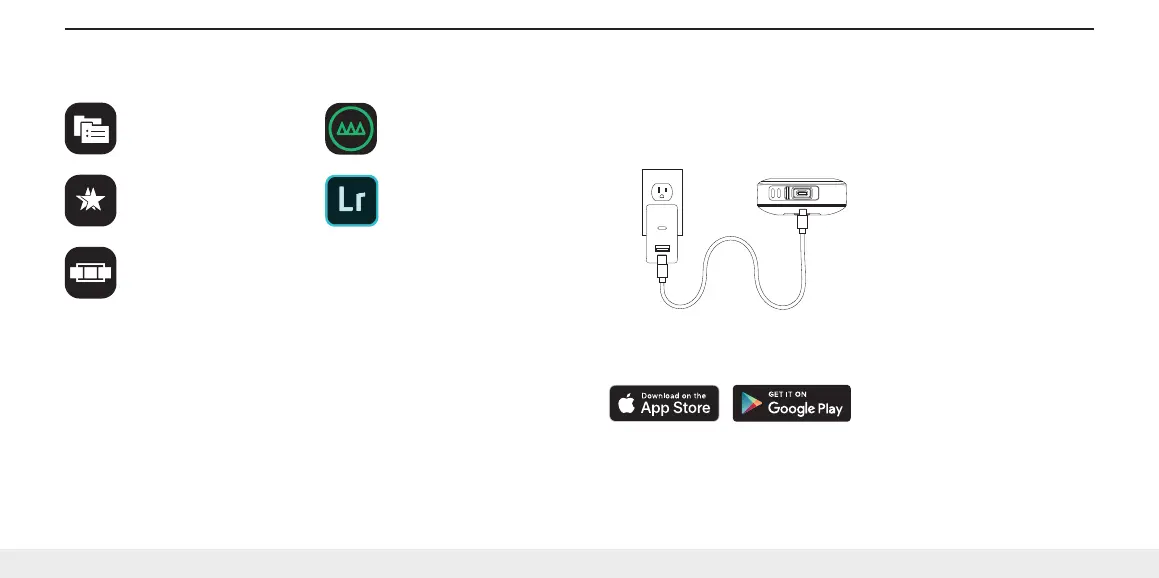
MOBILE APPLICATIONS + SYSTEM REQUIREMENTS
Safekeep
For backup and file
management.
Selects
For basic photo culling
and editing.
Sequence
For basic video editing
and exporting.
GNARBOX Classic *
For an all-in-one app
experience.
Adobe Lightroom CC
In the field photo editor.
LumaFusion
In the field video editor
for iOS.
COMPATIBILITY:
iOS 10 or later, Android 5.0 or later, macOS 10.11 or later & Windows 7 or later
NOTE:
App and firmware updates may be required. For more information about the update process or if
you need help, please contact us at support@gnarbox.com or live chat with us at gnarbox.com.
* May require additional updates for compatibility with GNARBOX 2.0 SSD. Please contact support
if you are having any issues at support@gnarbox.com or live chat with a representative on our
website at gnarbox.com.
GETTING STARTED
1. Charging
a. Connect the USB-C power cable to charge GNARBOX 2.0 Battery
b. Approximate charging times are 0-80% in 1 hour, 0-100% in 2 hours
2. Install The App
a. Download and install all GNARBOX applications from the App Store or Play Store
3 / English


 To Next Page