11
NSTALLATION
BEFORE USE 01
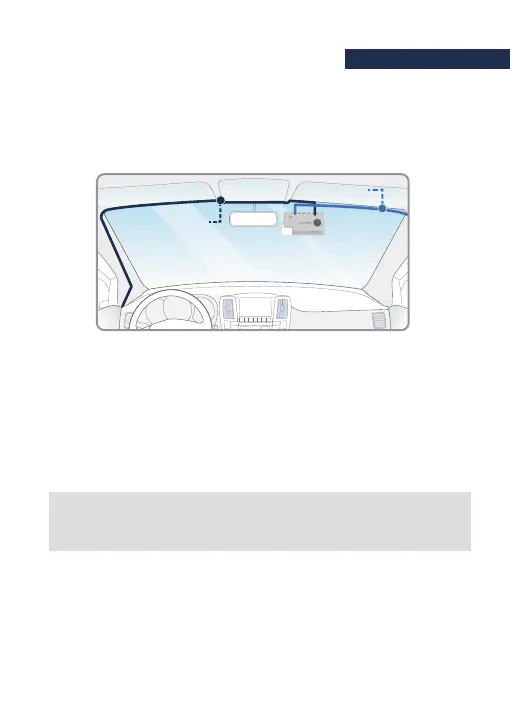
Insert the Power cable and Rear cam connection cable to roofline and pillar.
6
For instance, Power cable is toward driver seat and rear cam connection cable
is toward passenger seat.
If you want to the G-SYNCLOUD, GNET APP. and ADAS service,
pls connect the Wi-Fi dongle and external GPS into the front camera.
※Caution※
Some car navigations may face GPS reception of interruption.
When installing Power cable and Rear cam connection cable. it is recommended
to install theeach cable in the opposite direction.
Direct power cable
Rear connection cable



 To Next Page