SMART PHONE CONNECTION
2
1
The registration standby mode keeps for 2 minutes.
When the time elapsed, the voice guidance
"Registration standby mode is canceled" will come out.
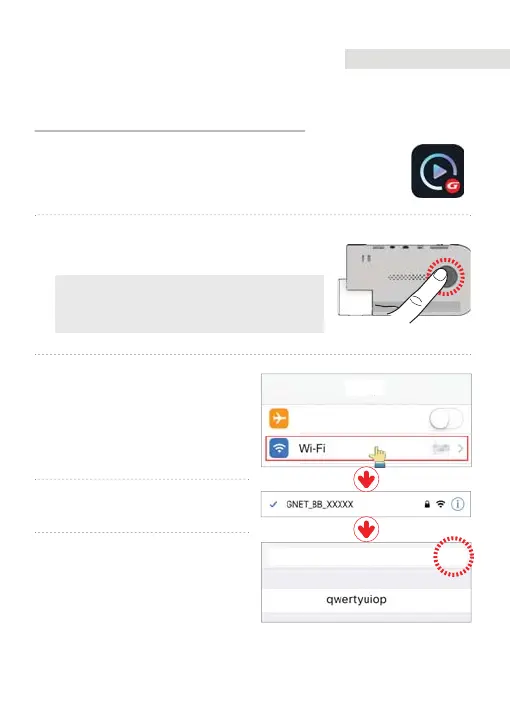
Press Wi-Fi button of the dash cam. You can hear a
voice message "Registration standby mode".
After installing Gnet app, run it on the smartphone screen
3
Turn on Wi-Fi in the Settings
menu on your smartphone.
4FUUJOHT
"JSQMBOF.PEF
$BODFM +PJO
1BTTXPSE
&OUFS1BTTXPSE
4
In the Wi-Fi list, select a name that
starts with GNET_BB_.
5
Enter [qwertyuiop] in the
password field and click
“Connecting” button.
How to connect your smartphone - iOS
APPLICATION 05
71



 To Next Page