QUESTION AND ANSWER
Where can I download the GNET PC Viewer?
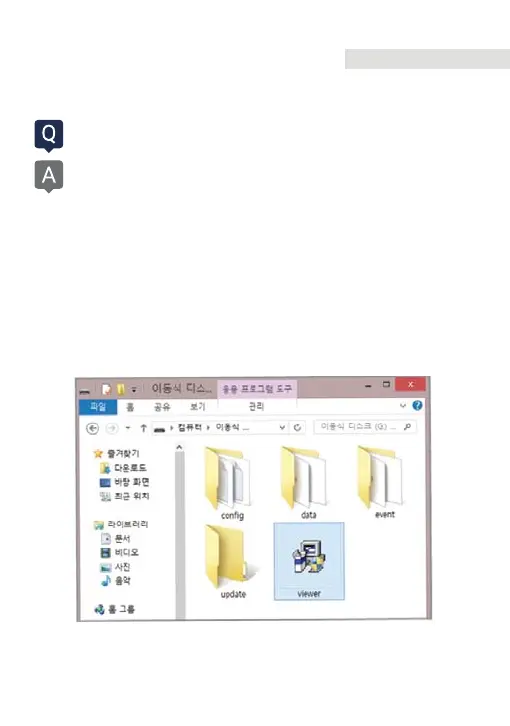
Dash camera will automatically save the viewer program installation file
in the Micro SD Card when it is first booted
(when a formatted SD card is loaded).
(1) When first use, insert the GNET Micro SD card to front camera
(2) And connect the power cable
(3) Takes 3~5 min to initialize and crease the file system when first use.
(4) After finished, insert the GNET Micro SD card into the PC
(5) Run the “GNET PC VIEWER. EXE” program which is saved.
(6) When the installation is completed, the program runs automatically
and GNET icon will be created on your PC.
85
Q&A



 To Next Page