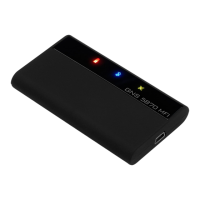
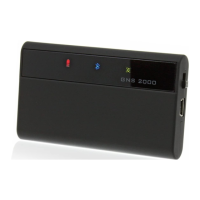
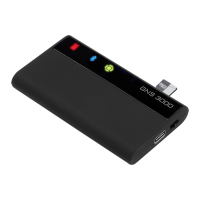
Off
On
Blinking
Fast
blinking
Red charging
light
Normal
Charger cable
attached,battery
fully charged
Charger cable
attached,battery
charging
Battery almost
empty, device
switching off in
about 10 mins
Blue Bluetooth
status
5870 MFI is off
Bluetooth
connection
established
No Bluetooth
connection
established
Green GPS
status
5870 MFI is off
GPS position
received
GPS position
not (yet)
calculated
Illuminated display
Installation and Bluetooth mode
Position the GNS 5870 MFI so that it has an unobstructed
view of the sky. Secure the receiver to avoid slipping.
Switch on the GNS 5870 MFI.
Activate the Bluetooth mode in your Apple device / PDA
/ PC and initiate a search for the GNS 5870 MFI with your
Apple device or other PDA / PC Bluetooth manager. This is
described in the manual for your device. When asked for
the PIN to establish the link, enter 0000.
Start your navigation software and select the appropriate
interface under the GPS settings if it is required.


 To Next Page
 Loading...