12
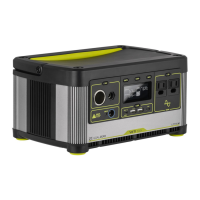
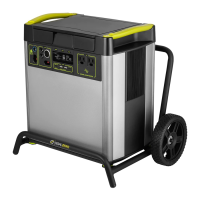
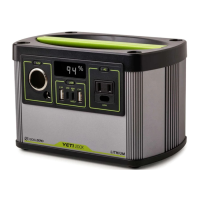
If your devices are not recharging from your Goal Zero Yeti, follow these steps:
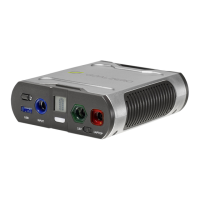
1. Ensure the Output Port has been turned on. The LED light on the power button should
be lit up.
a. If any of the lights have turned red, this indicates a trip. Push the button again to reset
it. The light will turn white when it is successfully reset.
2. Check the Battery Display. If it is at 20% or below, charge your Goal Zero Yeti.
3. Check the LED Display for warning icons:
OVERLOAD: Power draw exceeds port’s maximum allowance. Indicated by red light in
the port’s button.
4. Verify your device is suitable for use with the Goal Zero Yeti:
a. All of the Goal Zero Yeti output ports have their own max power capacity. Check the
Goal Zero Yeti’s Tech Specs to ensure your device is compatible.
5. If you are still experiencing trouble with your Goal Zero Yeti, please call our Customer
Solutions Center at 1-888-794-6250 or by email at support@goalzero.com
Troubleshooting
Temperature warning.
Allow unit to cool.
Battery requires attention.
Contact customer support.
1-888-794-6250


 To Next Page