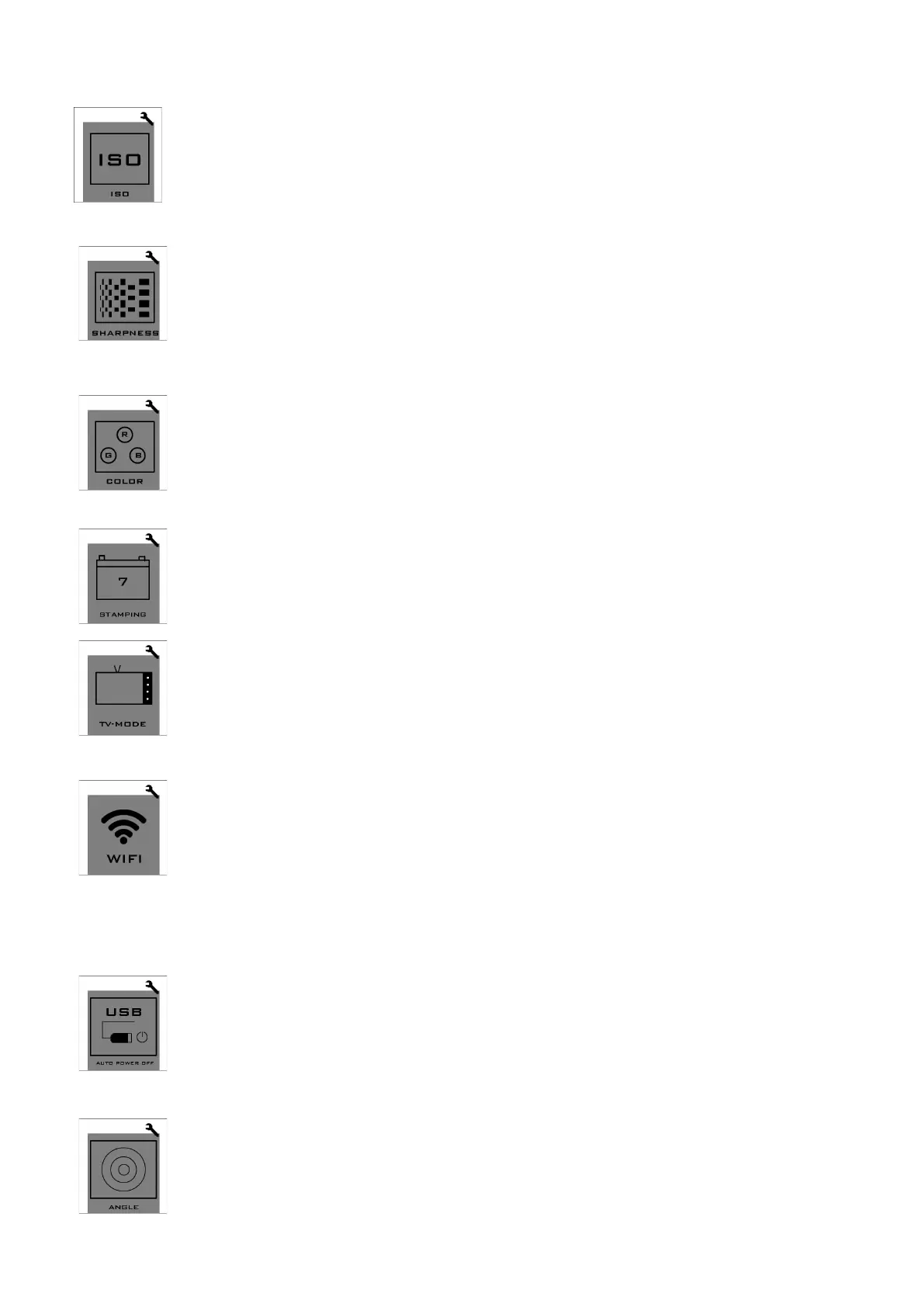
ISO adjustment: AUTO/100/400/1600. ISO of photos can be adjusted. At night,
the lower ISO you select, the better image effect you get.
(Note: please hold your camera steady when taking photos)
Sharpness adjustment: 3 options: High, Medium and Low. Low sharpness is
suggested at night.
(Under recording mode, Medium level is suggested; under photographing mode,
Medium level is suggested for close-shot or in dark environment .
Color adjustment: 2 options: standard and vivid.
(If you want post-production, standard option is suggested.)
Time stamping: this option allows you to stamp the time on the photos or videos.
TV output mode: PAL / NTSC
Wi-Fi remote: the camera’s built-in Wi-Fi allows you to connect to the smart
phone/tablet via the Firefly App. You can view the photos and videos taken by the
camera on your smart phone/tablet; you can also use your smart phone/tablet to
control the camera to capture photos or record videos.
(Note: Having camera too far from smart phone/tablet may weaken Wi-Fi
signal and lose image)
USB Auto power-off: the power will be automatically turned off in 30 seconds
after the USB power supply is cut.
(This function is suggested to be used in aerial photographing.)
Angle adjustment: 2 options: Large / Medium . Small angle can reduce image distortion.
(
Large angle is suggested as using smaller angle will reduce image quality.)


 To Next Page