Time update:
When connected to the Wi-Fi, time will be updated automatically.
Battery Charging:
Connect the camera to a computer or phone charger using the included USB cable. The
ON/OFF button will glow blue. Use 1A charger, and turning off the camera when charging will
increase the charging rate. The Charging Status Light it will turn OFF when the battery is fully
charged.
Transferring Files:
1. Connect the camera to a computer via the included USB cable, and then turn on the
camera.
2. Double click “My Computer” and locate “Removable Disk”. Open “Removable Disk” and
you will find all photo and video files in DV folder.
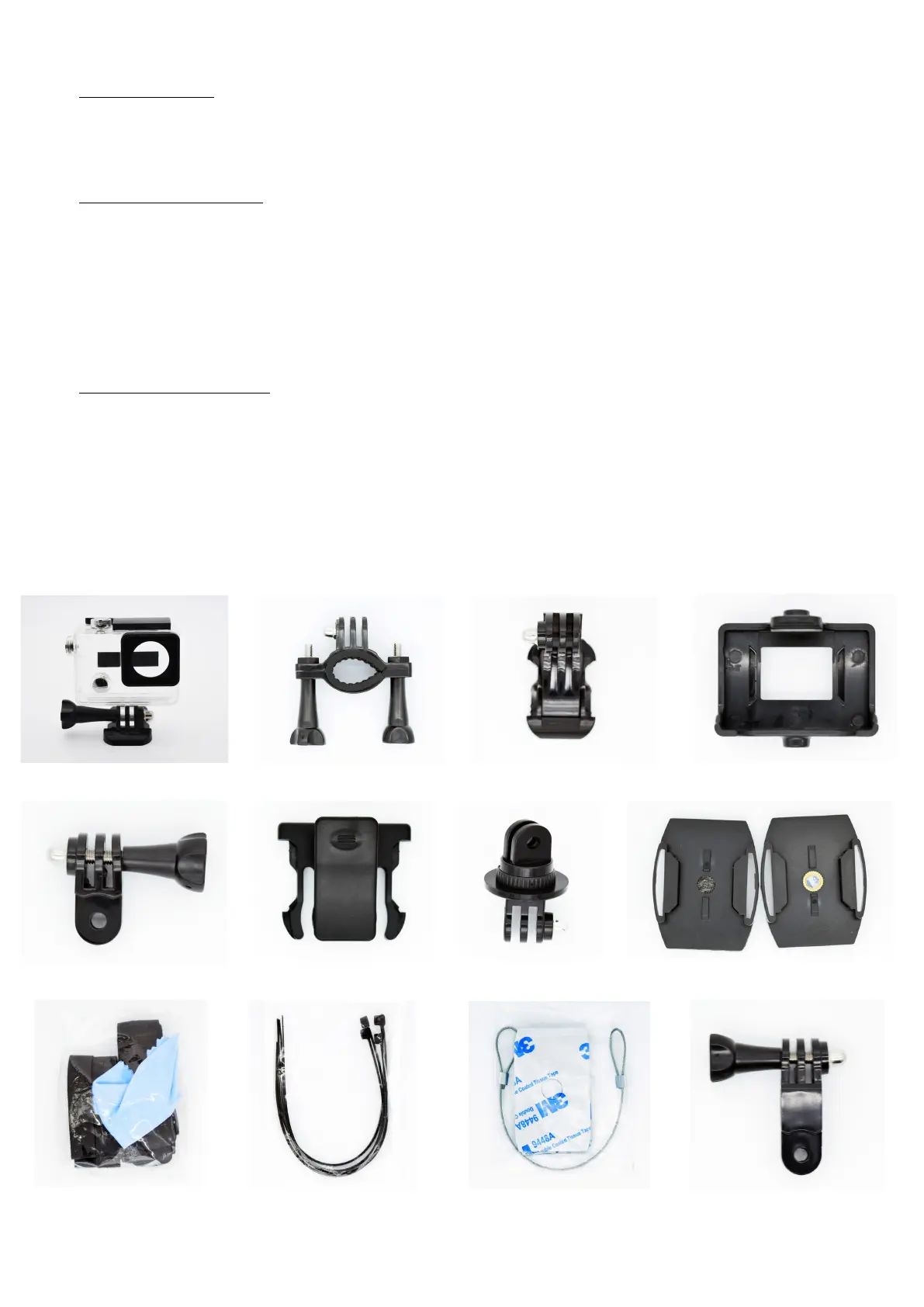
Accessories :


 To Next Page