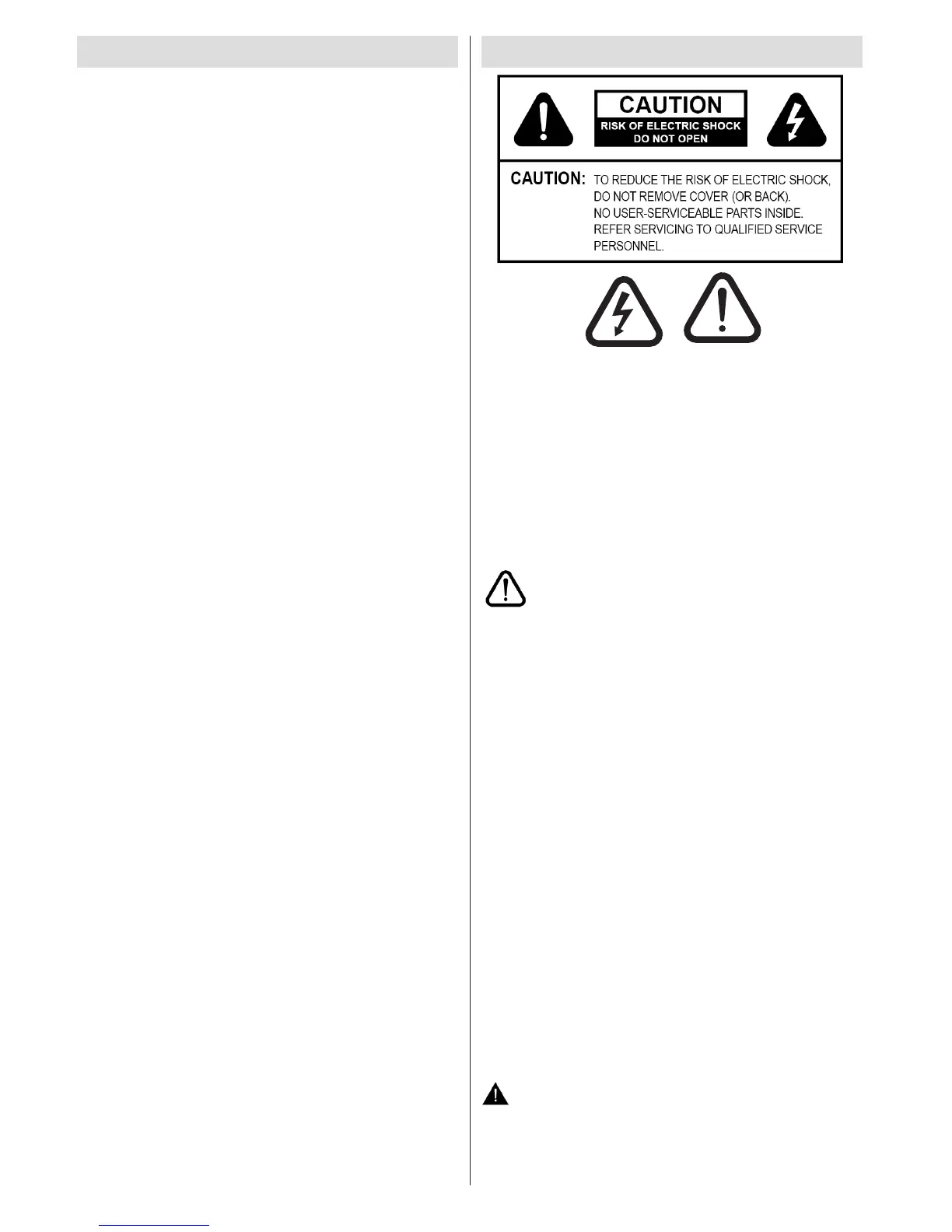
The lightning ash with arrowhead symbol, within
an equilateral triangle, is intended to alert the user
to the presence of uninsulated “dangerous voltage”
within the product’s enclosure that may be of sufcient
magnitude to constitute a risk of electric shock of
persons.
The exclamation point within an equilateral triangle is
intended to alert the user to the presence of important
operating and maintenance (servicing) instructions in
the literature accompanying the appliance.
Please read these instructions fully
before installing or operating.
Preparation
Place the device on a solid even surface. For ventilation,
leave a free space of at least 10 cm all around the set.
To prevent any fault and unsafe situations, do not place
any objects on top of the set. Use this device in moderate
climates.Operation temperature and operation humidity:
0ºC up to 40ºC, 85% rel. humidity max. (not blocking
ventilation openings).
Intended Use
This device is used to receive and display TV
programmmes , as well as to play CDs and DVDs (see
“This device compatible disc types”).The different
connection options make an additional expansion of
the reception and display sources possible (various
external devices). This device is only suitable for the
operation in dry interiors. This appliance is intended
solely for private domestic use and may not be
used for industrial and commercial purposes. We
exclude liability in principle, if the device is not used
as intended, or unauthorized modications have
been made. To operate your TV in extreme ambient
conditions may cause the damage of the device.
WARNING: Never let people (including
children) with physical, sensory or mental
abilities or lack of experience and / or knowledge
unsupervised use electrical device!
Contents
Safety Precautions ............................................... 32
Environmental Information ................................... 34
Accessories included ............................................ 34
TV - Features ....................................................... 35
Viewing the TV .................................................... 35
TV Control button & Operation ............................. 36
DVD - Control buttons .......................................... 36
Viewing remote control - TV ................................. 37
Viewing remote control - DVD .............................. 38
Using a Conditional Access Module ..................... 40
Standby Notications ............................................ 40
Installing the Batteries to the Remote................... 41
Connect Power & Antenna/Cable ......................... 41
Switching On/Off ................................................... 41
First Time Installation............................................ 41
Media Playback via USB Input ............................. 43
Changing Image Size: Picture Formats ................ 43
Using the Channel List ......................................... 44
Quick Menu .......................................................... 44
Menu Features and Functions ...............45-46-47-48
Electronic Programme Guide (EPG) .................... 49
Recording a Programme ...................................... 49
Timeshift Recording ............................................. 50
Instant Recording ................................................. 50
Watching Recorded Programmes ....................... 50
Recording Conguration ....................................... 50
DVD MODE .......................................................... 50
How to watch a DVD ............................................ 51
DVD Mode Conguration...................................... 52
Teletext ................................................................. 54
Software Upgrade................................................. 54
Troubleshooting & Tips ......................................... 55
PC Typical Display Modes ................................... 56
Specications .............................................................57
Licence Notications............................................. 57
Supported File Formats for USB Media Browser . 58
Supported DVI Resolutions .................................. 59
DVD Mode Supported le formats ........................ 60
Compatible disc types .......................................... 60
MOBIL TV INSTRUCTION MANUAL ................... 61



 To Next Page