English - 34 -
• Warning: Risk of electric shock, do not attempt
to repair, service or modify this TV yourself. Contact
the manufacturer, their approved service agent
Environmental Information
This television is designed to consume less energy
to save environment. You not only help to save the
environment but also you can save money by reducing
electricity bills thanks to the energy efciency feauture
of this TV. To reduce energy consumption, you should
take the following steps:
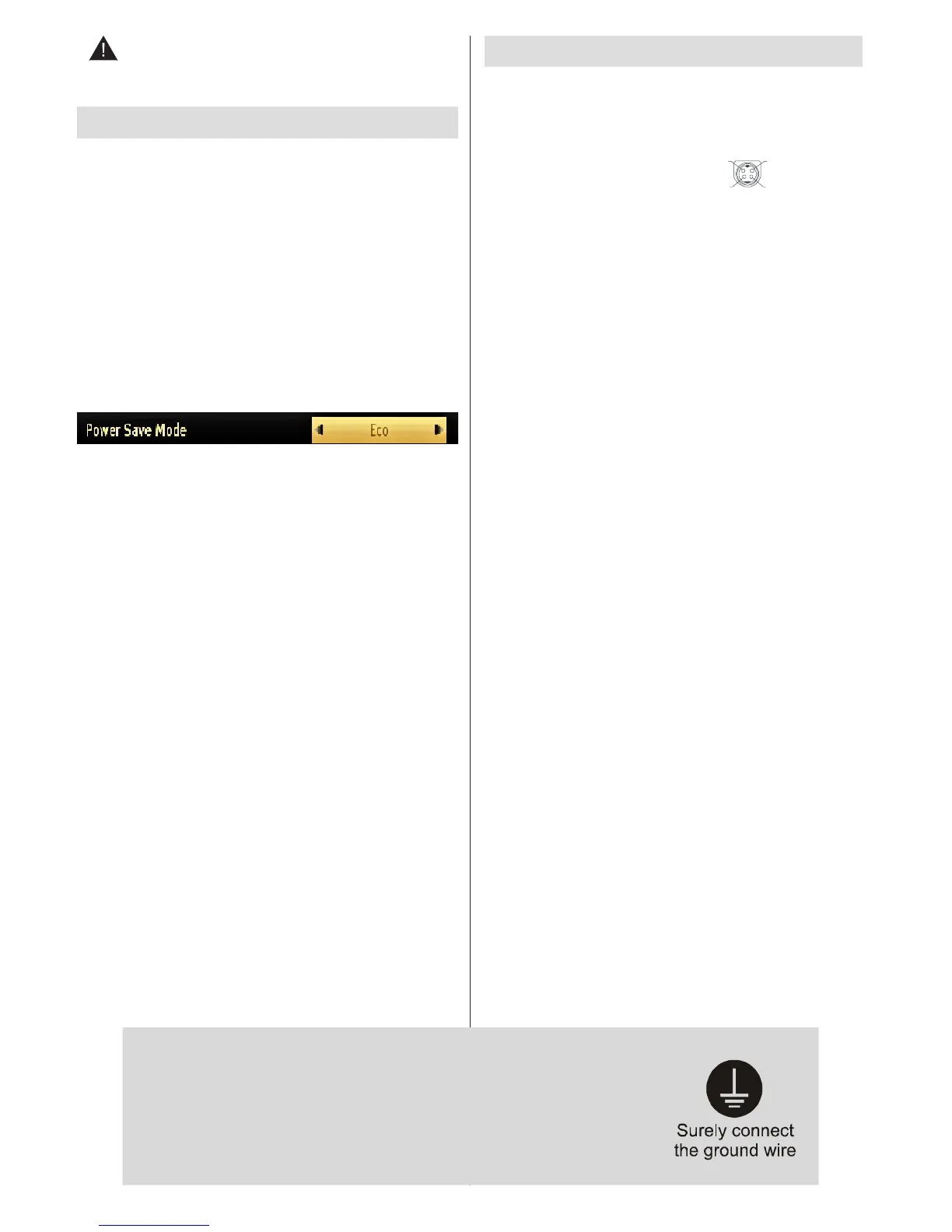
You can use Power Save Mode setting, located in the
Picture Settings menu. If you set Power Save Mode
as Eco, the TV will switch to energy-saving mode
and luminance level of TV set will be decreased to
optimum level. Note that some picture settings will be
unavailable to be changed when the TV is in Power
Save Mode.
If Picture Off is selected, “Screen will be off in 15
seconds.” message will be displayed on the screen.
Select PROCEED and press OK to continue. The
screen will be off in 15 seconds. If you disable Power
Save Mode, Picture mode will be automatically set
to Dynamic.
When the TV is not in use, please switch off or
disconnect the TV from the mains plug. This will also
reduce energy consumption.
Disconnect power when going away for longer time.
It is highly recommended to activate Power Save Mode
setting to reduce your annual power consumption.
And also it is recommended to disconnect the TV
from the mains plug to save energy more when you
do not use.
Please helps us to save environment by following
these steps.
Repair Information
Please refer all servicing to qualied personnel. Only
qualied personnel must repair the TV. Please contact
your local dealer, where you have purchased this TV
for further information.
Accessories included
Remote Control
Batteries: 2 x AAA
Instruction Book
Side AV Connection Cable
DC 12 V Input_ power adaptor
V+



 To Next Page