45 46
Important Tips: If abnormalities occur,
press select dial < > and test button
< > at the same time can reset the
device system, then press and hold the
power switch button < > to restart.
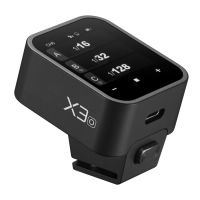
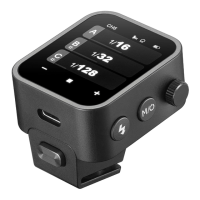
Note: Different flash triggers have different hot
shoes to suitable for different camera brands.
When you need to detach the flash
trigger, press and hold the
installing/detaching button, then grasp
the hot shoe to detach it horizontally.
Note: The sync settings of X3 F and X3 L are available on respective cameras.
The rear curtain sync of X3 N,X3 S and X3 O need to be set on the respective cameras.
< > means rear curtain sync
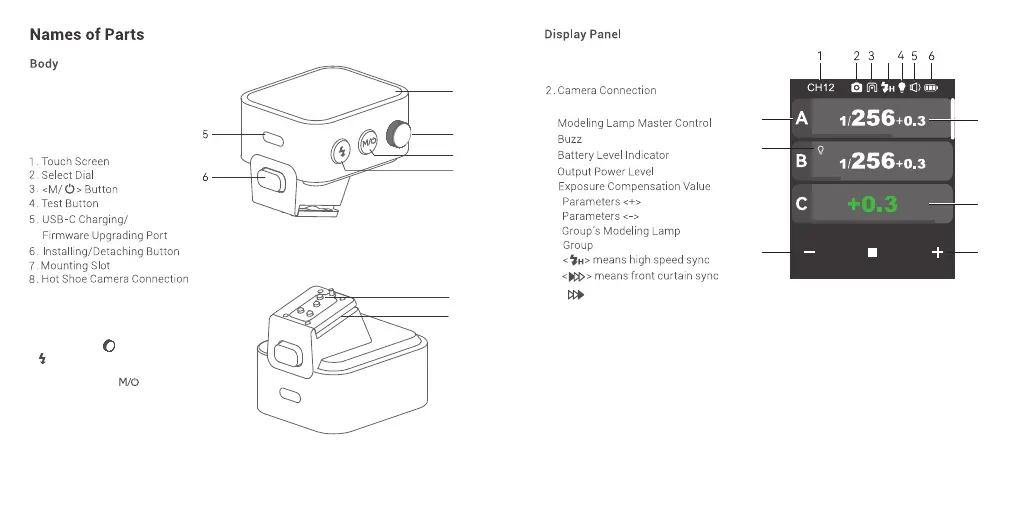
3.
1. Channel (32)
4.
5.
6.
7.
8.
9.
10.
11.
12.
Legacy Hotshoe
7
13
12
11
10
8
9
2
7
8
4
3
1
13.


 To Next Page