7
Hardware Installation
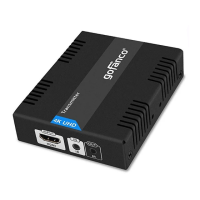
1. Power off all devices including your HDMI
source and HDMI display.
2. Connect your HDMI source device to the
Transmitter's HDMI In connector with an
HDMI cable (HDMI cable not included).
3. Optional: Connect the IR cable to the
Transmitter's IR port. See IR Application on
page 9 for proper cable connection.
4. Plug a CAT6/7 cable between the
Transmitter's RJ45 Out and Receiver's RJ45
In.
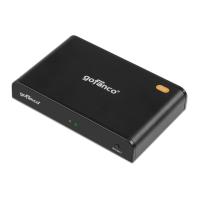
5. Connect your HDMI display to the
Receiver's HDMI Out connector with an
HDMI cable (HDMI cable not included).
6 Optional: Connect the IR cable to the
Receiver's IR port. See IR Application on
page 9 for proper cable connection.
7. Plug the included power adapters into the
Transmitter's and Receiver's power jacks,
then plug the power adapters into a reliable
power source.
8. Power on all connected devices.
9. The HDMI extender is ready for use.



 To Next Page