EasyManua.ls Logo

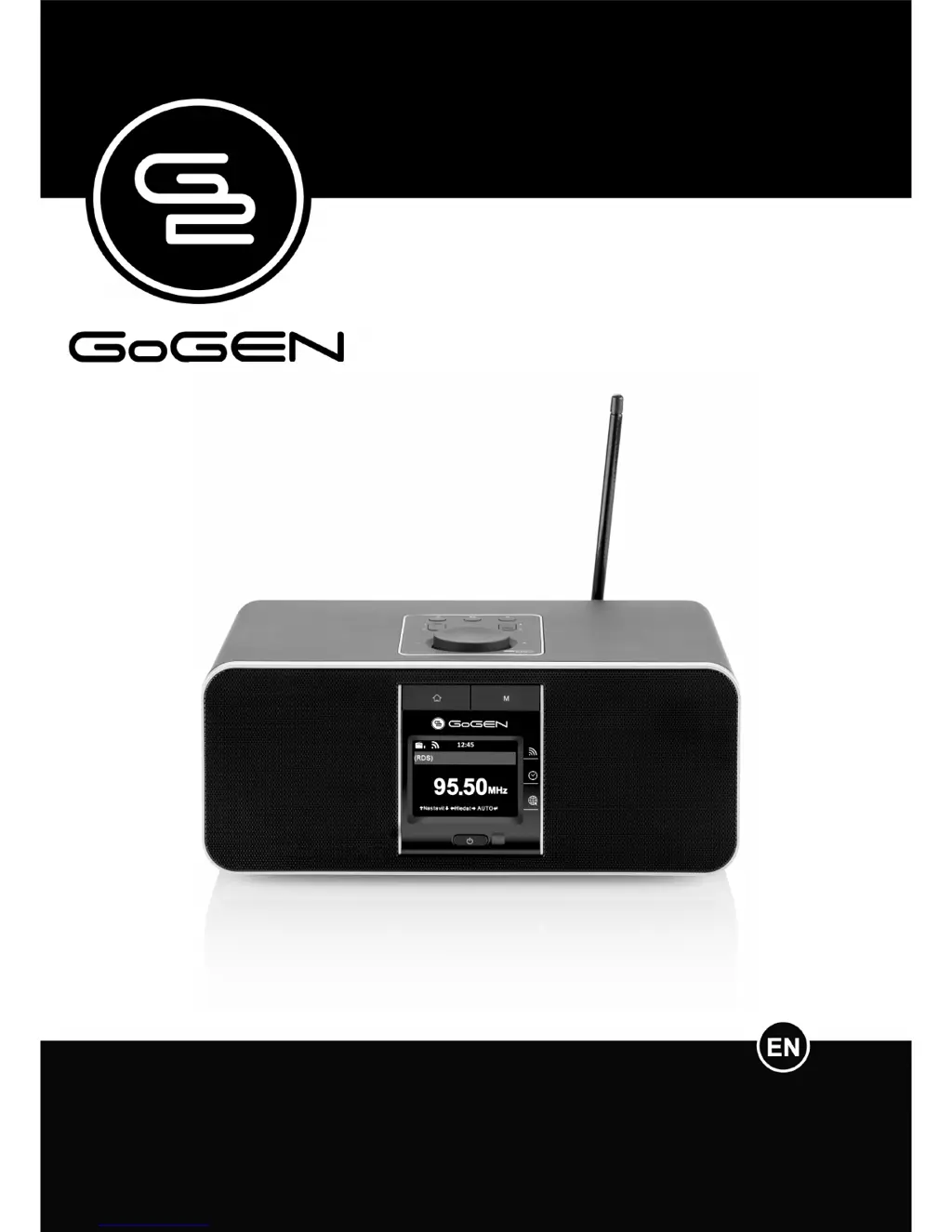
Gogen IR 167 BT B/W - User Manual

Gogen IR 167 BT B/W
28 pages
Print Icon
To Next Page IconTo Next Page
Loading...
IR 167 BT B/W
INTERNET RADIO WITH FM AND BLUETOOTH USER MANUAL

Questions and Answers

  • A
    Amy GarrisonAug 14, 2025
    What to do if my Gogen IR 167 BT B/W has no network connection?
    • H
      hillashleyAug 14, 2025
      If your Gogen Radio can't establish a network connection, try the following: 1. Check the WLAN function. 2. Try setting an IP address on the device. 3. Activate the DHCP function on the router and reconnect the device. 4. If a firewall is active, configure it to allow access for the radio. 5. Reboot the unit.
  • J
    James GrantAug 17, 2025
    How to fix WLAN connection on Gogen Radio?
    • D
      Diane MoodyAug 17, 2025
      To fix WLAN connection issues on your Gogen Radio: * Check the availability of the WLAN network on the access point. * Place the device closer to the router. * Ensure the WEP/WPA password is correct. * Check the network, access point, and firewall. * If the station isn't available, try again later or select another station. * If the station link has changed, contact the provider. * Ensure the link of manually added station is correct.
  • S
    schmidtannetteAug 21, 2025
    How to turn on Gogen Radio if it doesn't switch on?
    • R
      Ronald VazquezAug 21, 2025
      If your Gogen Radio doesn't switch on: 1. Check if the power adapter is connected properly. 2. If the device is used in an area with strong radio interference, it may malfunction. The device will work properly again once there is no more interference.
  • J
    Jonathan RivasAug 25, 2025
    What to do if my Gogen IR 167 BT B/W has no sound?
    • S
      Steven WilsonAug 26, 2025
      If your Gogen Radio has no sound, make sure the sound is not muted and increase the volume.
  • A
    aheathAug 29, 2025
    What to do if the alarm does not work on Gogen IR 167 BT B/W?
    • J
      Jeffery SparksAug 29, 2025
      If the alarm on your Gogen Radio isn't working: * Ensure the alarm is switched on. * Check the volume settings. * If the alarm source is set to a station and there's no network connection, change the source or reconfigure the connection.
  • R
    Ricardo RoweSep 1, 2025
    What to do if Gogen IR 167 BT B/W system freezes suddenly?
    • L
      Luis JonesSep 2, 2025
      If your Gogen Radio system freezes suddenly, reboot the unit. This can occur if the radio is overloaded.
  • R
    Robert SandersSep 5, 2025
    How to eliminate hiss in FM mode on Gogen Radio?
    • D
      Deborah LambertSep 5, 2025
      To eliminate hiss in FM mode on your Gogen Radio, check or move the FM antenna and try moving the radio to another location.
  • R
    rodriguezmargaretSep 9, 2025
    What to do if unable to do DLNA streaming on Gogen IR 167 BT B/W?
    • M
      Michelle GriffithSep 9, 2025
      If you're unable to do DLNA streaming on your Gogen Radio, check the network connection. Ensure that the radio and your device are on the same network, and verify that the network is in good condition. Also, make sure the settings on your device are correct.

Summary

1. BEFORE STARTED

1.1 NETWORK REQUIREMENT

Specifies the network prerequisites for device setup.

1.2 SAFETY PRECAUTIONS

Lists critical safety guidelines to prevent device damage and ensure user safety.

3. GETTING STARTED

GET THE NETWORK READY

Provides instructions for preparing the wireless network connection.

5.2 INTERNET RADIO

5.6 BLUETOOTH

5.7 CONFIGURATION

5.7.5 Alarm

7. TROUBLESHOOTING

SPECIFICATIONS

Gogen IR 167 BT B/W Specifications

General IconGeneral
BluetoothYes
Wi-FiNo
ColorBlack/White
Output Power3W
TypeRadio
DisplayYes
Frequency RangeFM: 87.5-108 MHz
Power SupplyBattery

Related product manuals