EasyManua.ls Logo

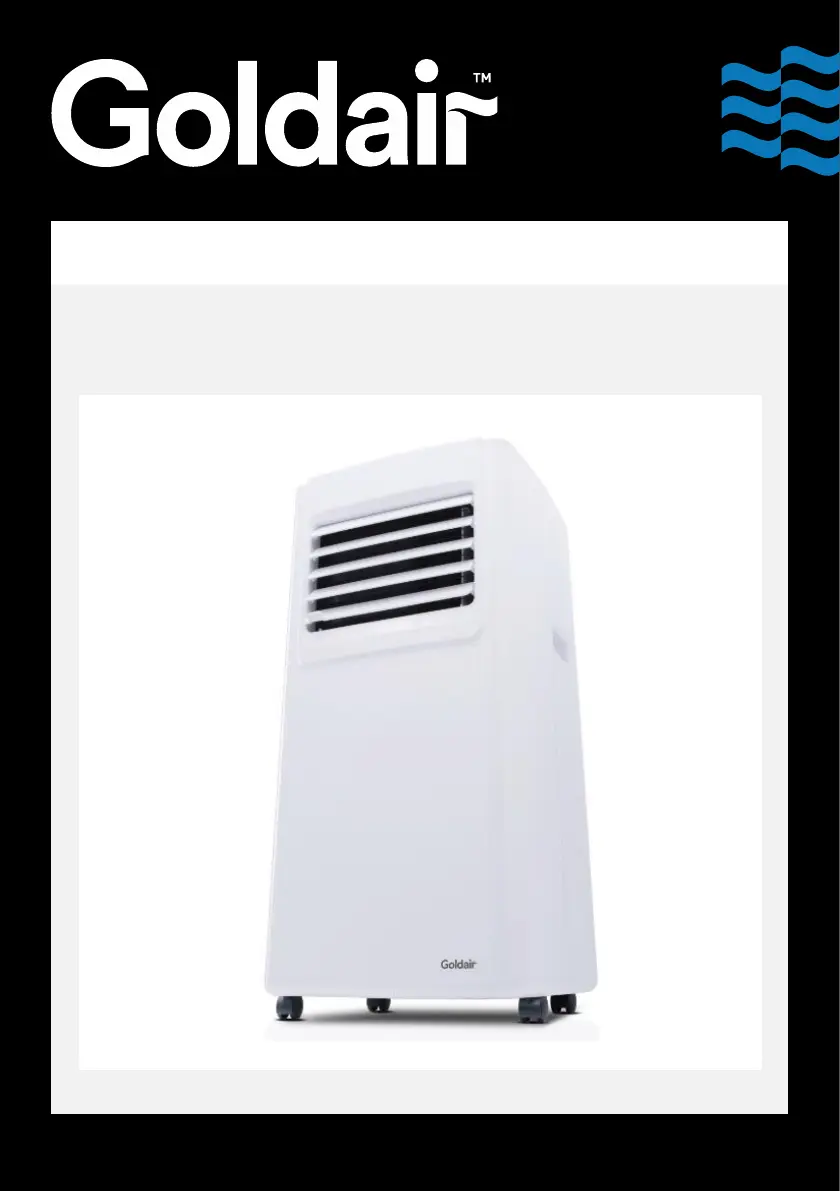
Goldair GCPAC07 - User Manual

Goldair GCPAC07
12 pages
Print Icon
To Next Page IconTo Next Page
Loading...
Operating Instructions
Model: GCPAC07
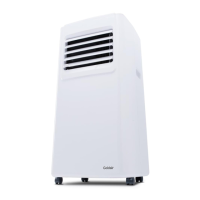
7K BTU 2.0kW Portable Air Conditioner

Questions and Answers

  • A
    asinghJul 28, 2025
    Why is my Goldair GCPAC07 not cooling or heating properly?
    • T
      Traci ThompsonJul 28, 2025
      If your Goldair Air Conditioner isn't cooling or heating well, consider these possible causes: * Direct sunlight: Pull the curtains to block sunlight. * Open doors or windows: Close doors and windows to isolate the room. Also, consider the number of people in the room or other heat sources if in cooling mode. * Dirty filter screen: Clean or replace the filter screen. * Blocked air inlet or outlet: Clear any obstructions.
  • D
    David KnightAug 1, 2025
    What to do if the Goldair GCPAC07 Air Conditioner remote control is not working?
    • M
      Michael MartinAug 1, 2025
      If the remote control for your Goldair Air Conditioner isn't working, try these steps: * Move closer to the air conditioner, ensuring the remote directly faces the receiver. * Replace the batteries in the remote control.
  • L
    Louis LongAug 7, 2025
    What does 'E1' mean on my Goldair GCPAC07?
    • D
      David BennettAug 7, 2025
      If your Goldair Air Conditioner displays 'E1', it indicates that the room temperature sensor is abnormal. Check the room temperature sensor and related circuitry.
  • T
    tonymosesAug 12, 2025
    What does 'E2' mean on my Goldair GCPAC07 Air Conditioner display?
    • D
      Daniel MoralesAug 12, 2025
      If your Goldair Air Conditioner displays 'E2', it means the pipe temperature sensor is abnormal. Check the pipe temperature sensor and related circuitry.
  • R
    Rebecca MorseAug 17, 2025
    How to fix a Goldair Air Conditioner that won't turn on?
    • A
      Anthony BryantAug 17, 2025
      If your Goldair Air Conditioner isn't working, here are a few things to check: * First, ensure it's properly connected to a working power socket. * If the water-full indicator is flashing, discharge the water. * Make sure the ambient temperature is suitable, ideally between 7-35°C (44-95°F). * Adjust the set temperature if it's interfering with the cooling or heating mode. * In dehumidification mode, ensure the room temperature is above 17°C (62°F).
  • J
    Jenna LynchAug 21, 2025
    How to reduce loud noise from my Goldair GCPAC07?
    • A
      Aaron BlankenshipAug 21, 2025
      To reduce noise from your Goldair Air Conditioner, ensure it is placed on a flat and hard surface.

Summary

Goldair Portable Air Conditioner Operating Instructions

General Care and Safety Guide

Safety Precautions and Handling

Essential safety guidelines for operating the unit, including child supervision, cord care, placement, and electrical safety.

Technical Specifications

Key operational details of the air conditioner, including power supply, wattage, cooling capacity, refrigerant type, and airflow.

Components Identification

Installation Procedure

Installation Steps and Requirements

Instructions for proper installation, including heat pipe assembly, window sealing plate, and exhaust hose considerations.

Control Panel and Remote Operation

Control Panel Functions Explained

Detailed explanation of the unit's control panel buttons: Power, Mode, Sleep, Temperature, and Timer settings.

Remote Control Guide

Overview of the remote control's functions, which mirror the unit's control panel for convenient operation.

Care and Maintenance

Manual Drainage Instructions

Step-by-step guide for draining accumulated water from the unit's water tank, ensuring proper disconnection and reassembly.

Cleaning and Storage Recommendations

Guidance on cleaning air filters and the unit exterior, along with proper procedures for storing the appliance.

Troubleshooting and Support

Common Issues and Solutions

A guide to diagnosing and resolving common problems with the air conditioner, including error codes and performance issues.

Proof of Purchase and Contact

Information on retaining proof of purchase for warranty claims and contact details for technical support services.

One Year Warranty Details

Goldair GCPAC07 Specifications

General IconGeneral
BrandGoldair
ModelGCPAC07
CategoryAir Conditioner
LanguageEnglish

Related product manuals