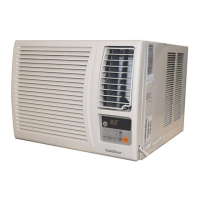
PART AND FEATURES
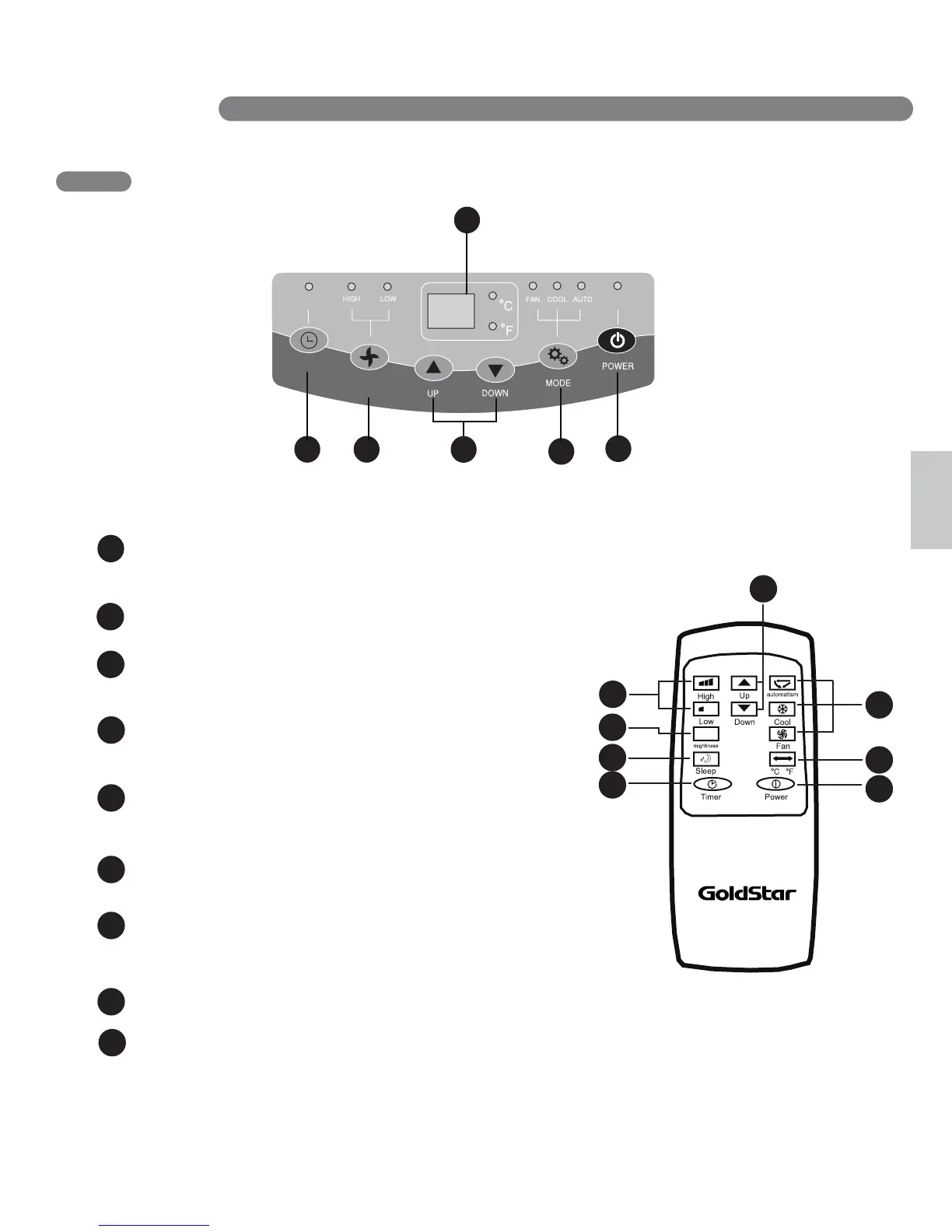
CONTROL PANEL AND REMOTE
Operation of functions is the same when using the remote or the control panel,
unless otherwise stated.
POWER
Operation begins when this button is pressed and stops
when you press the button again.
MODE
Press this button to select FAN, COOL,AUTO mode.
FAN SPEED
Adjusts the circulation fan speed between HIGH,
LOW fan speed.
TIMER
Press this button to set TIMER ON, TIMER OFF
or NO TIME
UP & DOWN
LED Display
Setting sleeping mode, the temperature will rise
1 °C after 2 hours, and another 2 hours later, rise 1 °C
NOTE
1
2
4
5
1
2
4 3
6
1
5
1
8
Press these buttons to set room temperature
or time when in Time On/Off mode.
6
Display different signals accordingly.
7
SLEEPING MODE
8
CELSIU AND FAHRENHEIT EXCHANGE BUTTON
To vary from Fahrenheit to Celsius, press both UP and DOWN button
3
1
8
3
5
2
4
7
8
9
1
FAN
SPEED
TIMER
After setting mightiness, the unit will keep running no matter
what temperature it sets, and E4ǃE1ǃE2ǃ E3 protection works.
7
SLEEPING MODE



 To Next Page