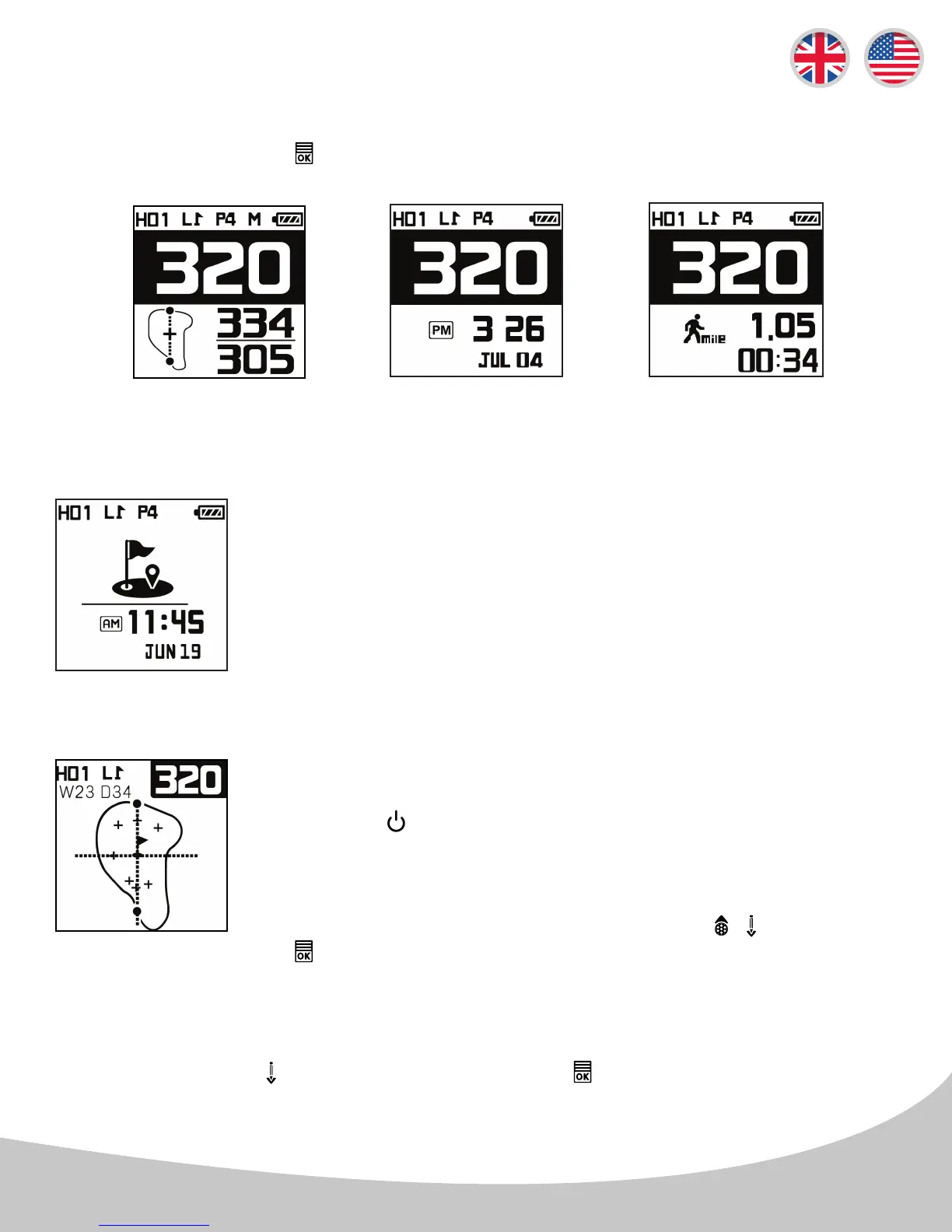
The Auto Time Display is an automatic feature that displays the time and date
when the golfer is within 20 yards of the center of the green.
*Note: If there are Left and Right Greens available on your fairway, you can quickly choose the green by
pressing and holding the button for 2 seconds then press the button to conrm your selection while
in Dynamic Green View & Pin Placement Mode.
By repeatedly pressing the button you will scroll through Informative screens A, B, and C shown
below.
FCB screenshot A
3.3 In Round Information
A
Time with Center
Distance
Time of play & total
distance walked
with Center Distance
B C
Auto Time Display
Dynamic Green View
& Pin Placement
From the Dynamic Green View screen, you may also change the placement
of the pin on the green image by navigating with the / buttons. Press
the button to return to Play Golf Sreen.
Pin Placement
You can access the Dynamic Green View & Pin Placement Mode by
pressing the button from the Play Golf Screen.
Dynamic Green with
Distances
7



 To Next Page