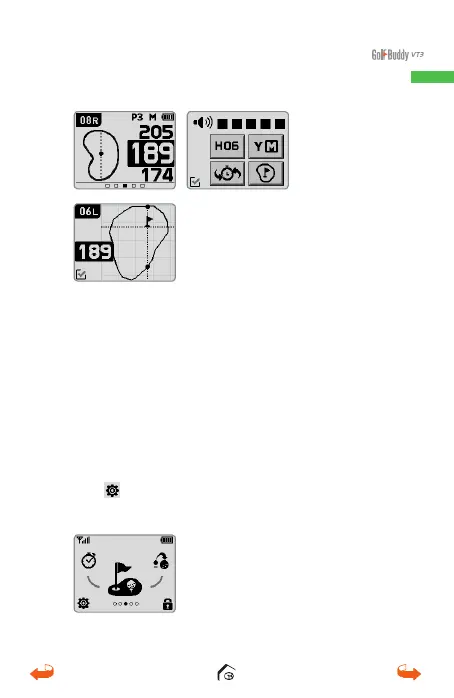
3.2. Quick Menu Screen
Press the power button to activate the quick
function selection screen. Touch the desired
selection to bring to the front of the screen, then
touch it again to activate that function.
The
icon located at the bottom of the screen
will access the Set-Up screen.
1. Hole No.
2. Green View
3.
Remaining Distance to the
Center
1
2
3
01_0205VT3 manual (영어).indd 19 14. 2. 13. 오후 5:28



 To Next Page