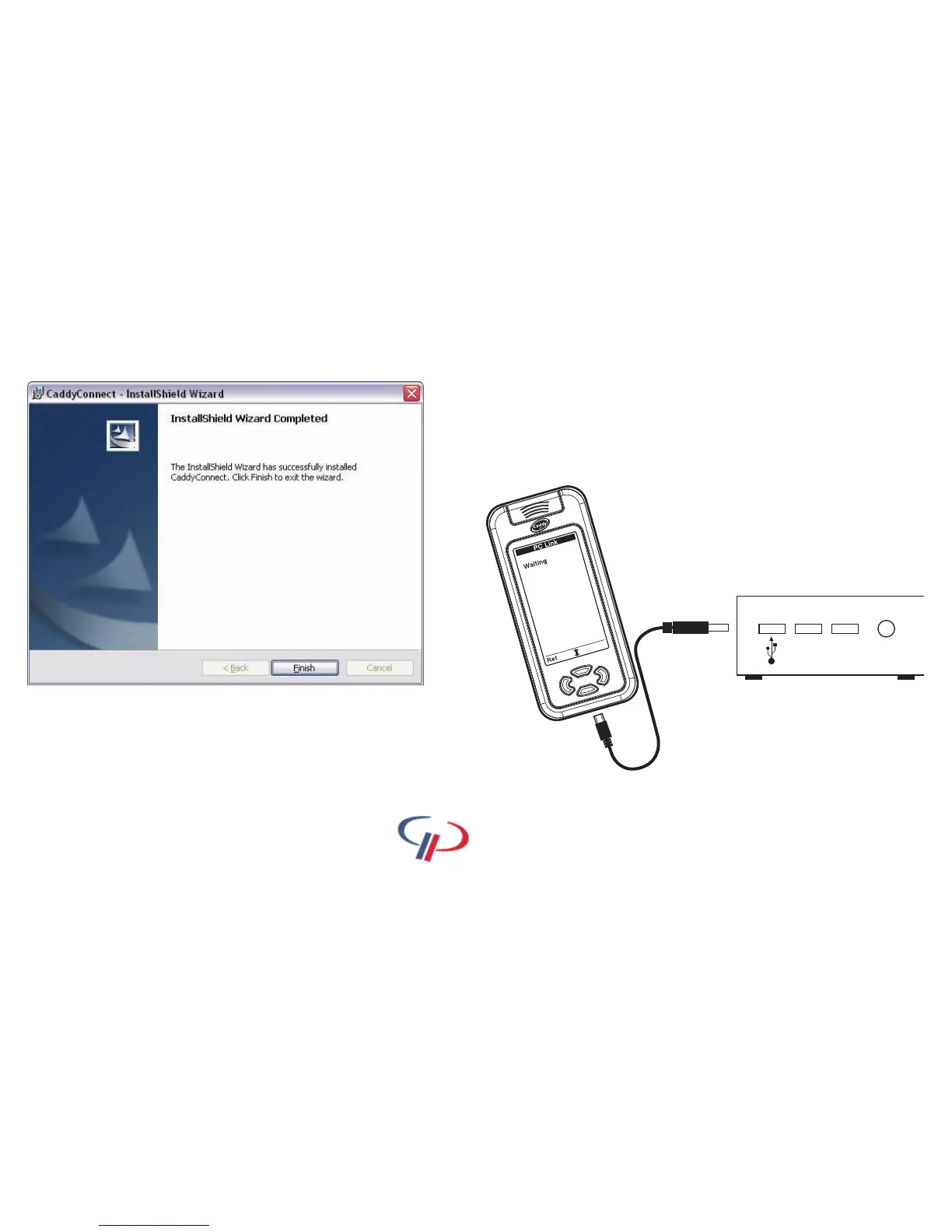
Installing CaddyConnect Software
When the InstallShield Wizard Completed window appears, your
software installation is complete.
Click on the finish button.
If at any time you wish to uninstall the software, insert the Caddy Lite
Software CD in to the CD drive and follow the uninstall instructions on
screen. You can also repair the software using this method.
You now have a Golf Plus icon on your
desktop. Double click on the icon and open the software.
16
Caddy Lite User Guide - Version 1.0 2007
You can now connect your Caddy Lite.
Insert the small end of the USB cable provided.
Insert the other end of the cable in to an available USB slot on the PC.
Your Caddy Lite will switch on automatically.
Insert small end of
supplied USB cable into
your Caddy Lite
Insert large end of supplied USB
cable into an available USB slot on
the PC


 To Next Page