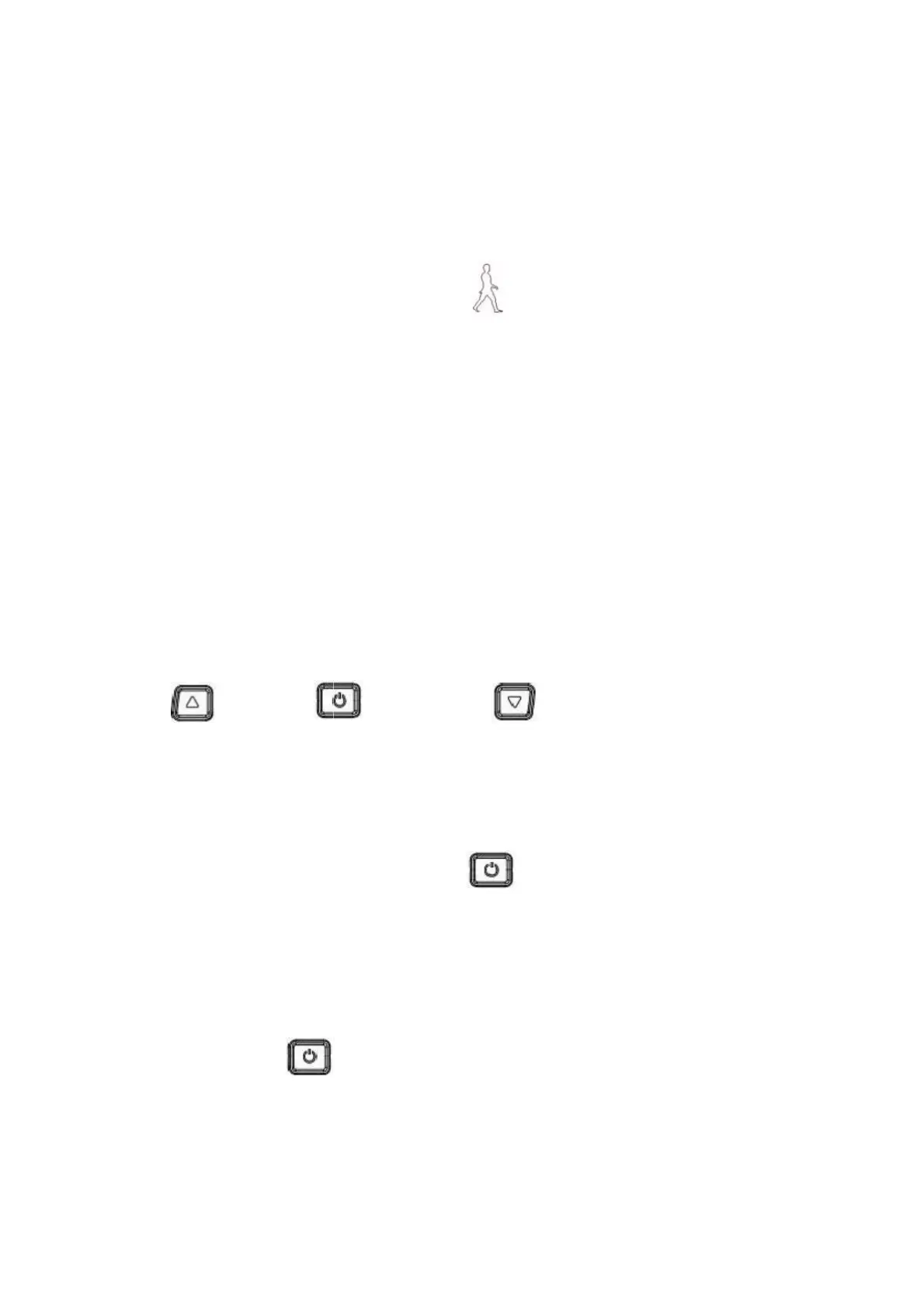
4. Press button definition
OMT-M3 uses independent press button, in total three
5. Operation instructions
When the power is off, Long press
seconds
,
screen will display all contents and start to normal
working mode, and controller will be turned on When the power is
on, Long press
(
Power
)
during 3 seconds
,
screen will be
powered off,and controller will be turned off . If no any operation
both on bike and display during 10 minutes (time could be set), the
2) Speed:Average SPEED/MAX SPEED/Real-time SPEED
4) 6km mode:6km mode Display .
5) Assist level:actual assist level 1~3.
6) Head light icon:indicates when head light and back light are on.
8) Error code:“REE” and code when there is error


 To Next Page