EasyManua.ls Logo

Goobay 51276 - Setting Switching Times; Operation Mode Selection; Maintenance, Care, Storage and Transport

Goobay 51276
Print Icon
To Next Page IconTo Next Page
To Previous Page IconTo Previous Page
Loading...
10
 < 1.5


 120 x 80 x 74
 145
 15
 -0 ~ + 55
 
 
3 Intended Use




regulations and safety instructions might cause fatal accidents,inju-

IP20: 
not against water ingress. 
4 Connecting
Plug the time switch into a well reachable safety mains socket.
5 Settings
5.1 Setting the time
Turn the dial clockwise until the arrow
shows the required time.
The product displays 24 hrs.
The smallest possible step to set is 1/4 hour.
(15 minutes).

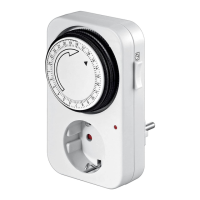
Table of Contents

Related product manuals