Revision Date: 2011-07-19
Version 1
Pillmannstrasse 12
D-38112 Braunschweig / Germany
www.goobay.de
Made in China
ATTENTION! This manual is a quick start guide. Find more information on enclosed CD-ROM and/or via www.wentronic.com as download version,
or by mail, where applicable. Find the address at the bottom of the page.
Quick Start Guide for desktop USB HUBs
1 Safety Instructions:
ATTENTION! Only skilled electricians may assemble and disassemble the housing of the product.
DANGER! Risk of life by electric shock! Avoid contacting mains voltages!
ATTENTION! Risk of burning by overloading! Attend to the maximum output currents of the product!
ATTENTION! Risk of short-circuit! Never bridge contacts! Do not put things into ventilation slots or ports!
ATTENTION! Risk of injury by stumbling! Attend to safe cable installation!
2 Description and Function:
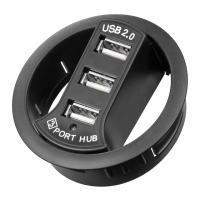
Your USB HUB is made for extending the USB port/s of your computer. Charge and/or operate only with USB devices. Plug the USB HUB into a 60 or
80 mm cable bushing of your desktop.
Please consider that there are two groups of USB devices:
Self powered = These devices have an own power supply, e.g. printer, scanner…
Bus powered = These devices receive their energy from the USB port, e.g. USB mouse, USB keyboard, USB Flash drive, USB headsets…
The USB HUB supports only one bus powered device. All other connected devices need to be “self powered.
Plug & Play: It is not necessary to install driver software from a CD-ROM.
Operating Systems: Windows 2000, XP, VISTA, 7 and MAC OS
Model 93893 93894 93895 93896
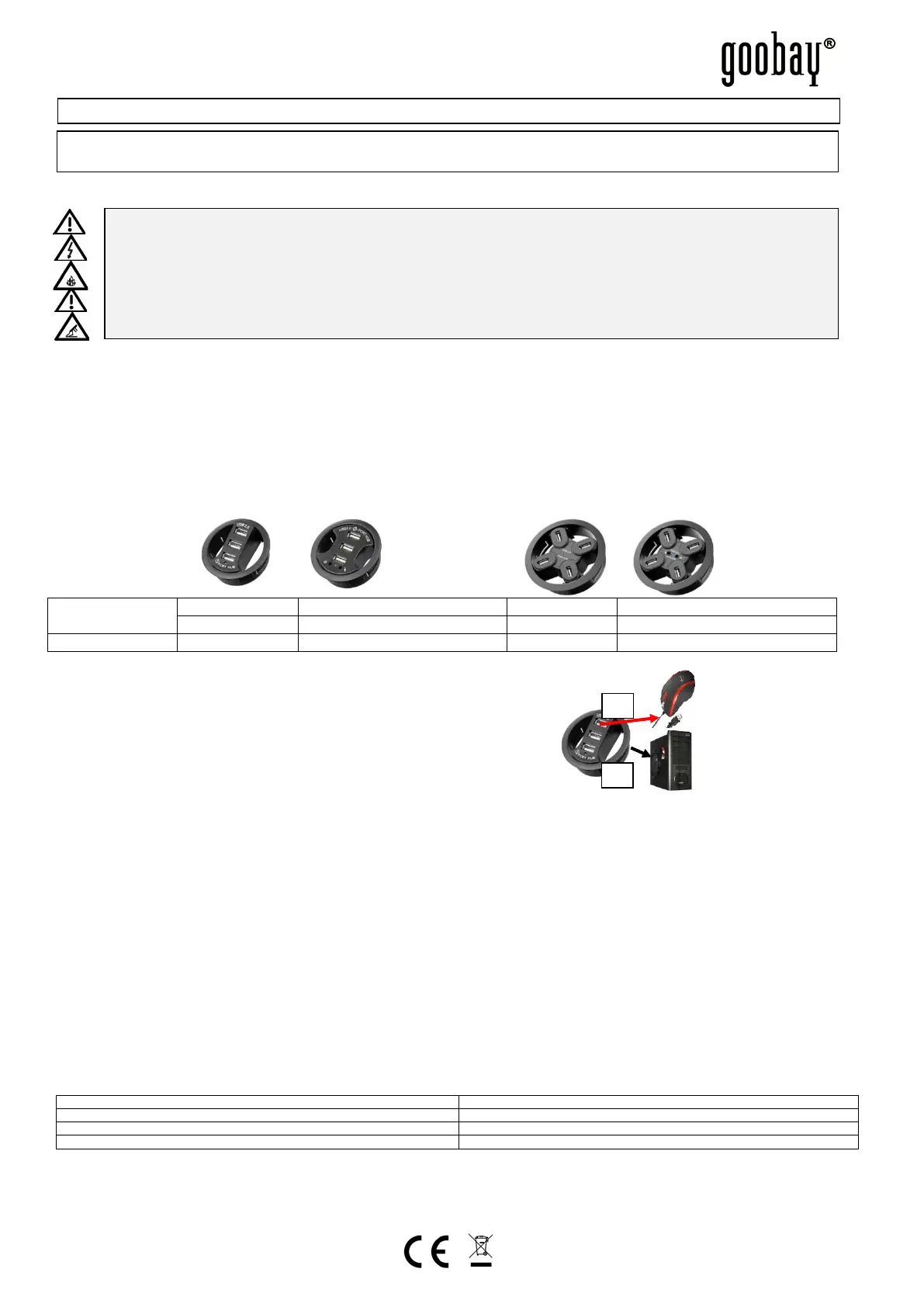
3 Connecting and Operating: Sample figure:
1. Plug the USB HUB into an appropriate cable bushing at the desktop.
2. Connect the integrated USB cable to your computer/notebook and applicable,
the stereo plugs to the audio IN and OUT of your computer/notebook.
mini USB plug to the USB HUB.
3. Connect the USB jacks only with USB devices. Attend to chapter 1.
4 Warranty and Responsibility:
• As the manufacturer has no influence on installation, warranty only applies to the product itself.
• The manufacturer is not liable for damages to persons or property caused by improper installation, operation or maintenance, not described in this manual.
• Do not alter or modify the product or its accessories.
• Any use other than described in this user`s manual is not permitted and causes loss of warranty, loss of guarantee, and non-liability.
• We reserve our right for misprints and changes of the device, packing, or user`s manual.
5 Disposal Instructions:
According to the European WEEE directive, electrical and electronic equipment must not be disposed with consumers waste. Its components must be recycled or
disposed apart from each other. Otherwise contaminative and hazardous substances can pollute our environment.
You as a consumer are committed by law to dispose electrical and electronic devices to the producer, the dealer, or public collecting points at the end of the devices
lifetime for free. Particulars are regulated in national right. The symbol on the product, in the user`s manual, or at the packaging alludes to these terms. With this kind
of waste separation, application, and waste disposal of used devices you achieve an important share to environmental protection.
WEEE Directive: 2002/96/EC
WEEE N
o
: 82898622
6 CE Declaration:
This device corresponds to EU directive 2004/108/EC: With the CE sign the producer ensures, that the product is conformed to the basic standards and directives.
These standards can be requested online on www.wentronic.com. All trademarks and registered brands are the property of their respective owners.
7 Specifications:
Features
1 Audio IN+OUT 3.5 mm Stereo plug 1 Audio IN+OUT 3.5 mm Stereo plug
ATTENTION! Read the instructions carefully and completely. It is part of the product and contains important notes for use. Keep this document!


 To Previous Page
 Loading...