EasyManua.ls Logo

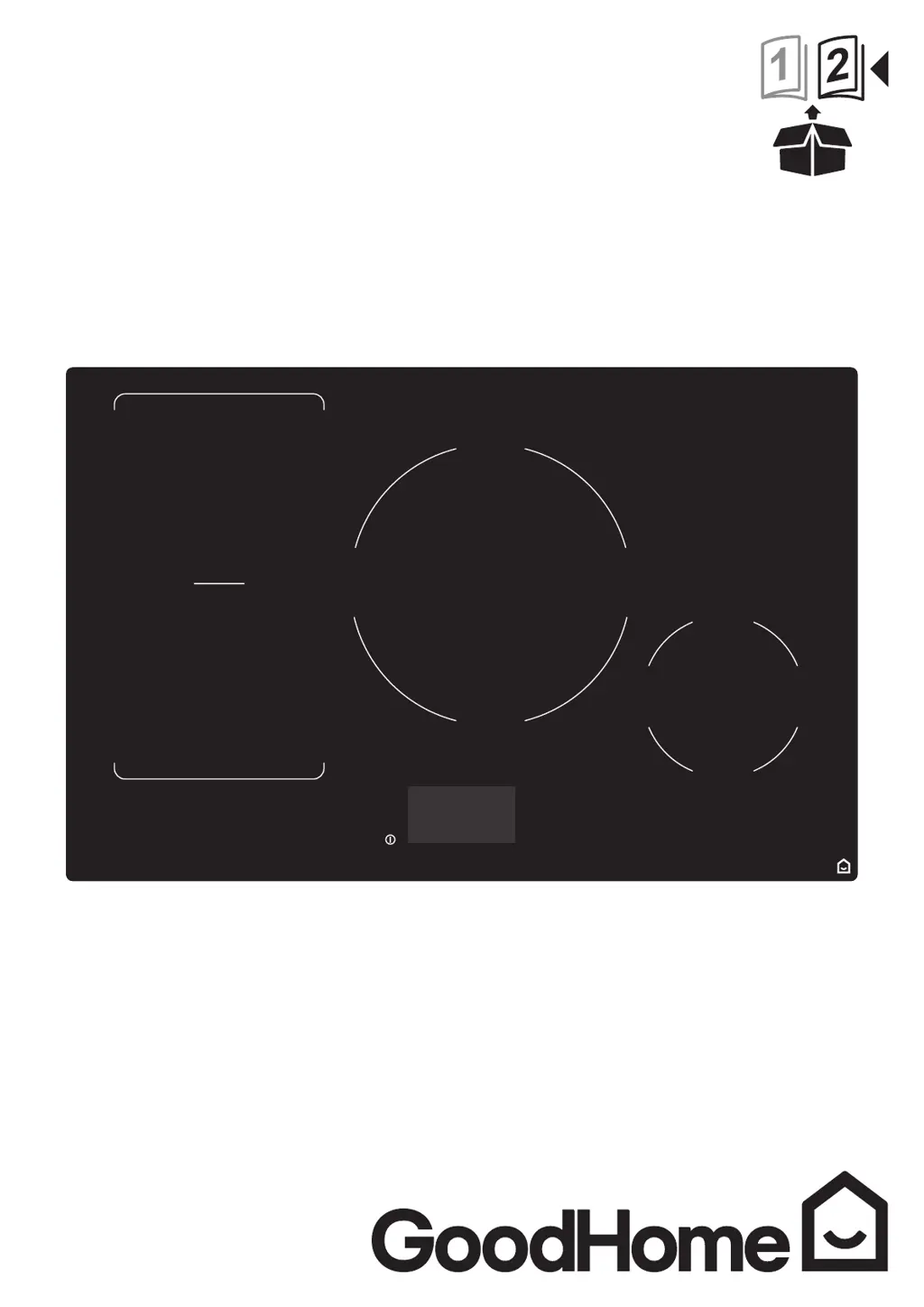
GoodHome bamia GHIHAC80 - User Manual

GoodHome bamia GHIHAC80
110 pages
Print Icon
To Next Page IconTo Next Page
Loading...
V150319
GHIHAC80
3663602434375
bamia

Other manuals for GoodHome bamia GHIHAC80

Questions and Answers

  • D
    dtaylorAug 17, 2025
    Why is my GoodHome hob fan still running after I turn it off?
    • N
      Nicholas TurnerAug 17, 2025
      A cooling fan is built into your GoodHome induction hob to prevent the electronics from overheating. It's normal for the fan to run even after you turn the hob off, and it requires no action. Do not switch off the power to the induction hob while the fan is running.
  • S
    Scott PenaAug 20, 2025
    What to do if my GoodHome hob cooktop cannot be turned on?
    • K
      Kevin HenryAug 20, 2025
      If your GoodHome hob cooktop won't turn on, ensure it's properly connected to the power supply and switched on. Check the household fuse for the appliance and try other electric appliances to see if there is a power cut.
  • B
    Bruce BowenAug 22, 2025
    What to do if my pan does not heat up on GoodHome hob?
    • J
      James RodriguezAug 22, 2025
      If your pan isn't heating up on your GoodHome hob and isn't showing on the display, it could be due to a few reasons. First, make sure you're using cookware suitable for induction cooking. Second, center the pan on the cooking zone, ensuring its base matches the zone's size.
  • D
    David RodriguezAug 26, 2025
    Why is my GoodHome induction hob making a humming noise?
    • B
      Barbara FerrellAug 26, 2025
      The low humming noise from your GoodHome induction hob when used on a high heat setting is caused by the technology of induction cooking. This is normal, and the noise should quieten down or disappear completely when you decrease the heat setting.
  • J
    Jonathan FergusonAug 28, 2025
    What to do if my GoodHome hob displays ER03?
    • A
      Amanda BarberAug 28, 2025
      Clean the Control Panel or move the pan.
  • J
    Jasmine WaltonAug 30, 2025
    Why are the touch controls on my GoodHome hob difficult to operate?
    • C
      Caitlin VillegasAug 31, 2025
      If the touch controls on your GoodHome hob are difficult to operate, it might be due to a slight film of water on the controls or using the tip of your finger. Make sure the touch control area is dry and use the ball of your finger when touching the controls.
  • A
    Amy RamirezSep 2, 2025
    What to do if my GoodHome hob displays E4?
    • J
      Jason WatsonSep 2, 2025
      Ensure the correct power supply is being used.
  • C
    Carl Bass DDSSep 5, 2025
    What to do if my GoodHome hob displays E3?
    • D
      Dominic JohnsonSep 5, 2025
      Ensure the correct power supply is being used.
  • B
    bdavisSep 8, 2025
    What to do if my GoodHome hob displays E2?
    • A
      Allison WelchSep 8, 2025
      Allow to cool and restart after 30 minutes.
  • F
    floressharonSep 12, 2025
    What to do if my GoodHome hob displays E1?
    • S
      Sabrina ClarkSep 12, 2025
      Allow to cool and restart after 30 minutes.

GoodHome bamia GHIHAC80 Specifications

General IconGeneral
TypeInduction
Number of Zones4
Control TypeTouch
ColorBlack
Product TypeHob
Safety FeaturesChild lock, overheat protection

Related product manuals