
 Need help?
Do you have a question about the Goodmans 359779 and is the answer not in the manual?
Lists all items included in the product packaging for initial setup.
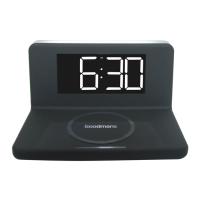
Details the components and features visible on the front of the alarm clock.
Identifies the power adapter input port on the side of the device.
Explains the function of buttons and ports located on the side.
Instructions for connecting the power and turning the alarm clock on or off.
Step-by-step guide to configure the time and alarm functions.
How to place and charge Qi-enabled devices wirelessly.
Recommendations and precautions for safe and optimal wireless charging.
Details on the adjustable brightness levels of the nightlight.
How to adjust the brightness of the main display backlight.
 General
| Model | 359779 |
|---|---|
| Brand | Goodmans |
| Display Type | LED |
| Alarm Type | Buzzer |
| Snooze Function | Yes |
| Power Source | Mains |
| Backup Battery | Yes |
| Type | Digital Alarm Clock |

 To Next Page