THANK YOU
Thank you for choosing these Goodmans products.
We’ve been making electronics for the British people
for 70 years. Each of our products has been carefully
designed to be great at what it does and these ones are
no exception.
Please read the Guarantee & Safety booklet before
starting. The full User Manuals are available online.
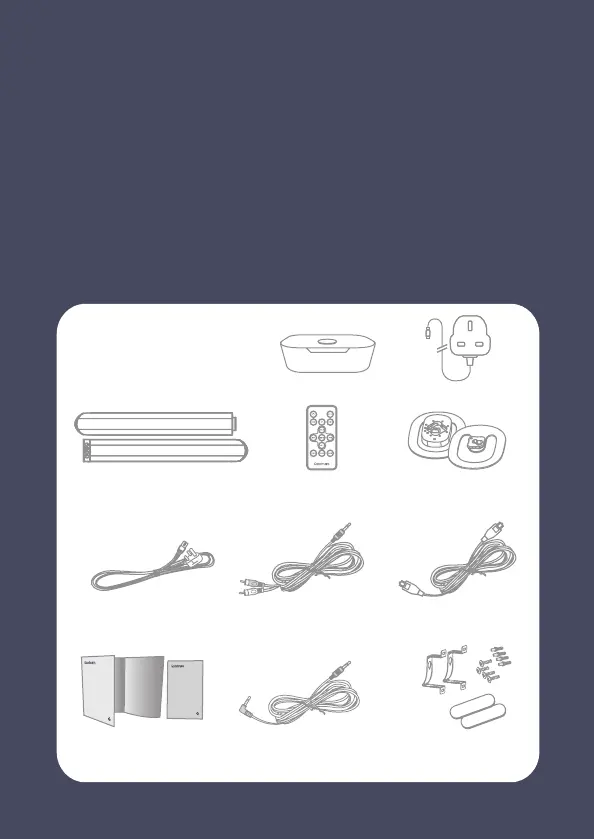
In the boxes
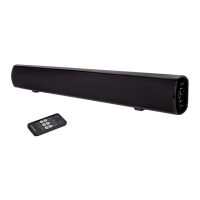
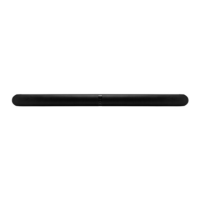
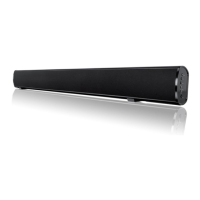
Aspect Duo
(Left / Right)
Remote Control
Quick Start Guides &
AC Power Cord
3.5mm to 3.5mm Cable
Optical Cable x 23.5mm to RCA Cable x 2
Stand
(Left / Right)
Wall Bracket &
Rubber Feet
Safety booklet
CONNECT USING THE OPTICAL CABLE
SETTING UP
Remove the protective cap from the OPTICAL socket on your
Soundbar.
a
AUDIO OUT
DC IN
5V 1A
WLAN OPTICAL
DIR.MODE
RESET
b
Connect one end of the optical cable into your Module and the
other end into your Soundbar.
c
Connect the mains adaptor to the DC IN 5V 1A socket on the back
of your Module, and the plug end to a suitable mains socket.
b
b
a
c
d
Module
Power Adaptor
SELECT OPTICAL MODE
e
d
Connect the mains lead to the AC socket on the back of your
soundbar, and the plug end to a suitable mains socket.
e
Press the ‘STANDBY’ button on the soundbar, and then press
the ‘SOURCE’ button until the indicator light on the front
shows solid orange.
SOLID ORANGE



 To Next Page