EasyManua.ls Logo

Goodmans GDSBT50SS - User Manual

Goodmans GDSBT50SS
10 pages
Print Icon
To Next Page IconTo Next Page
Loading...
USER MANUAL
MODEL: GDSBT50SS
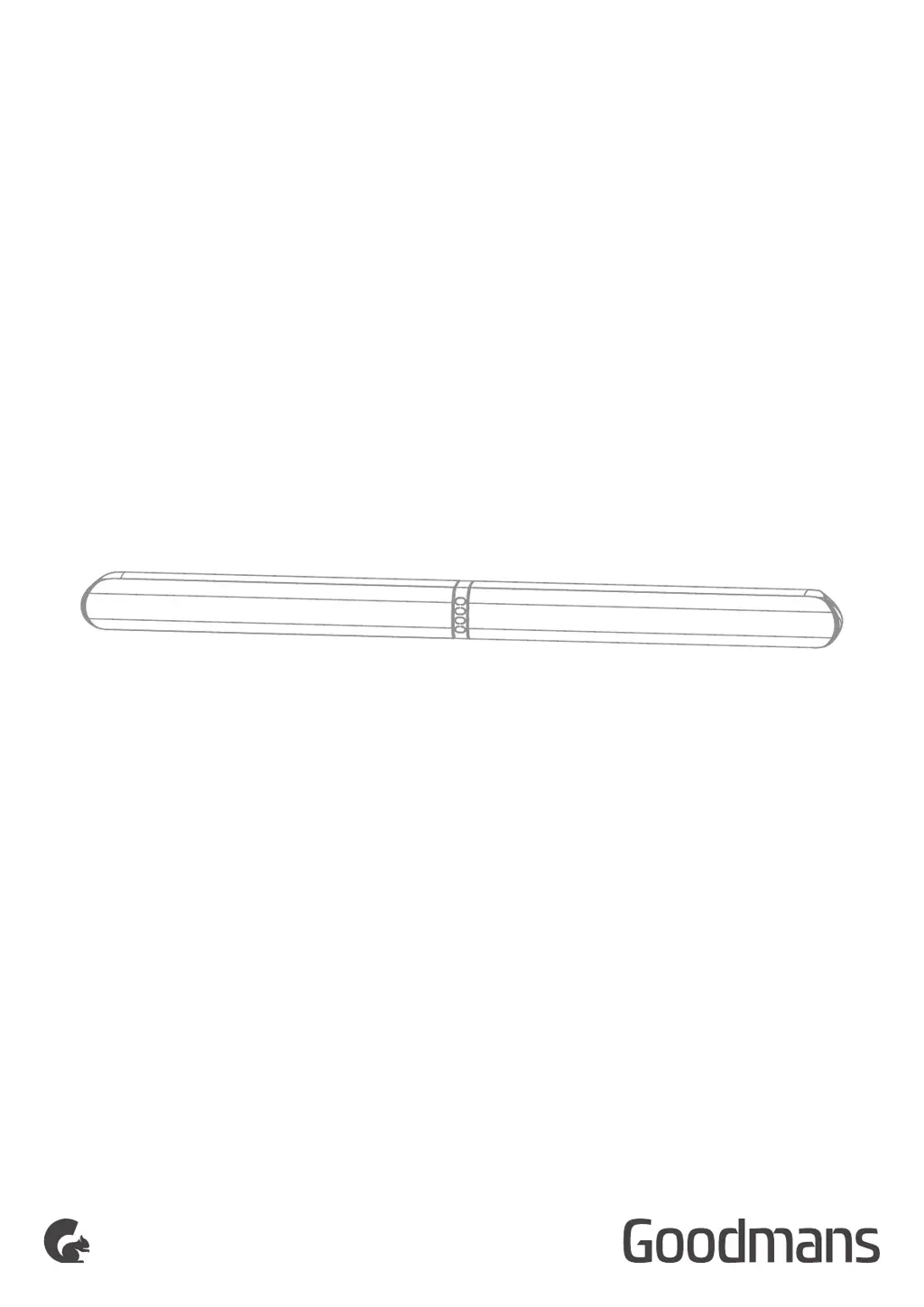
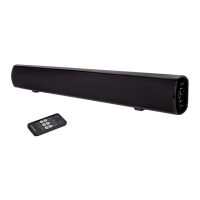
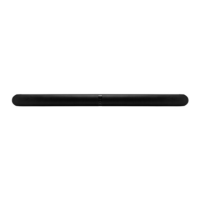
50W STEREO BLUETOOTH WIRELESS SOUNDBAR
50W Split
Soundbar

Questions and Answers

  • M
    Michele CarterAug 4, 2025
    Why does my Goodmans Speaker System remote control not work?
    • S
      Stephen KerrAug 4, 2025
      If your Goodmans Speaker System remote control isn't working, first select the correct source before pressing any playback control button. Try reducing the distance between the remote and the unit. Ensure the battery is inserted with the correct polarities (+/-) as indicated. If needed, replace the battery. Also, make sure you are aiming the remote directly at the sensor located on the front of the unit.
  • S
    Sonia EricksonAug 11, 2025
    How to fix no sound from Goodmans GDSBT50SS Soundbar?
    • J
      jessica48Aug 11, 2025
      If there is no sound coming from your Goodmans Speaker System Soundbar, first ensure that the volume is not set to the minimum. Also, when using an optical connection, verify that the audio setting of the input source (such as your TV, game console, or DVD player) is set to PCM mode.
  • J
    Jason MolinaAug 17, 2025
    What to do if I cannot find ‘GDSBT50SS’ on Bluetooth device for my Goodmans Speaker System?
    • M
      Misty CooperAug 17, 2025
      If you cannot find ‘GDSBT50SS’ on your Bluetooth device when trying to connect to your Goodmans Speaker System, make sure that the Bluetooth function is activated on your device. If it is already activated, try re-pairing the 50W Split Soundbar with your Bluetooth device.
  • C
    Chelsea BartonAug 27, 2025
    What to do if my Goodmans Speaker System has no response?
    • J
      Joshua MasseyAug 27, 2025
      If your Goodmans Speaker System unit is not responding, disconnect and then reconnect the AC power plug. After doing so, try turning the unit on again.

Summary

Welcome

Your 50 W Split Soundbar

In The Box

Lists included accessories for the 50W Split Soundbar.

Main Unit

Remote Control

Preparation

Remote Control Operation Range

Specifies the maximum operating distance and angle for the remote control.

Remove the Plastic Strip from the Remote Control

Instructions for removing the battery protective tab on the remote control.

Replace the Remote Control Battery

Step-by-step guide to replacing the remote control's battery.

Speakers Placement

Quick Setup

Power On and Auto Standby

Instructions for powering on the unit and its auto standby function.

Features

Optical Mode

How to connect and use the soundbar via an optical audio connection.

AUX Mode

Instructions for connecting and using the soundbar via AUX input.

Bluetooth Mode

Steps for pairing and playing audio via Bluetooth, including NFC operation.

Adjust the Volume

Select equaliser (EQ) effect

Troubleshooting

Technical Specification

Customer Support

Goodmans GDSBT50SS Specifications

General IconGeneral
BrandGoodmans
ModelGDSBT50SS
CategorySpeaker System
Speaker TypePortable Bluetooth Speaker
Power Output50W
Bluetooth Version5.0
Battery LifeUp to 10 hours
ConnectivityBluetooth
InputsAUX, USB

Related product manuals