P. 14
GENERAL OPERATION
• ON/OFF
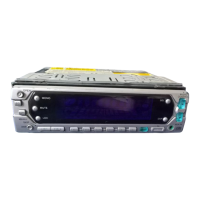
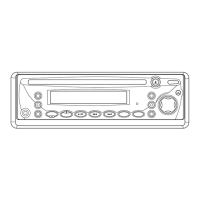
Press the PWR button (8) to turn on. Press PWR again to turn off.
• MUTE
Press the MUT button (2) to mute the sound. Press it again to return volume to
previous level.
• FACEPLATE RELEASE
Press button (9) to release the removable faceplate.
• LOUDNESS
Press RND/LOU button (6) briefly to enhance bass output.
• SET THE CLOCK
Press DSP button (17) to change the display to clock display. Press it again to return
to previous display. In clock display, press and hold the DSP button (17) for several
seconds until the clock display flashes. Press VOL – button (12) to change minutes
or VOL + button (13) to change hours.
• SELECT AUDIO MODE
Press SEL button (11) to change audio mode through volume, bass, treble, balance
and fader modes.
Use VOL + (13) and VOL – (12) buttons to adjust the selected mode.
When mode has not been adjusted for several seconds, display returns to normal
radio or CD display.
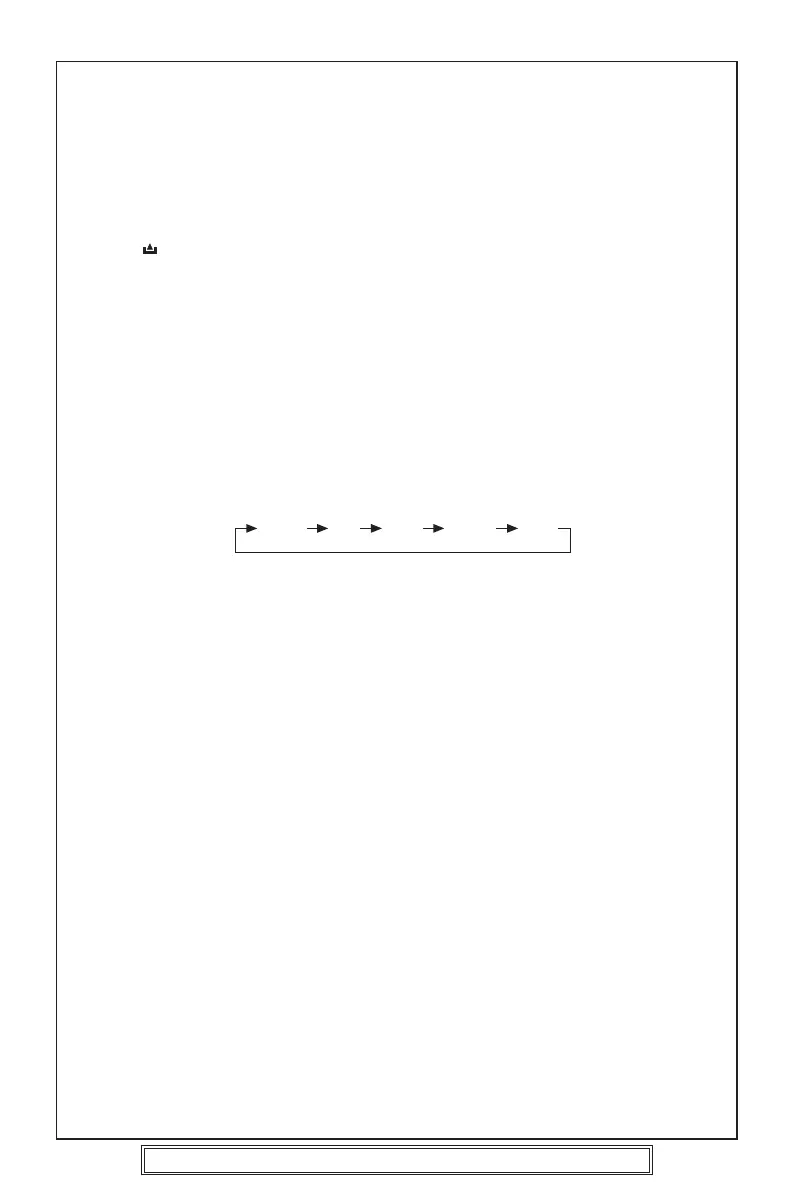
Volume Bass Treble Balance Fader
Volume
Adjust volume level by using VOL + (13) and VOL – (12) buttons.
Notes: The unit is initially set to volume mode.
Bass
Press SEL button (11) once.
Adjust bass level by using VOL + (13) and VOL – (12) buttons.
Treble
Press SEL button (11) twice.
Adjust treble level by using VOL + (13) and VOL – (12) buttons.
Balance
Press SEL button (11) three times.
Adjust the balance between left and right speakers by using VOL + (13) and VOL –
(12) buttons.
Fader
Press SEL button (11) four times.
Adjust the balance between front and rear speakers by using VOL + (13) and VOL –
(12) buttons.
• SELECT MODE
Press MOD button (1) to choose radio or CD mode.
• LIQUID CRYSTAL DISPLAY
The LCD (4) displays the current information for the radio or CD.
• FLASHING LED
If the front panel is detached from the main unit, the LED (22) will flash.
• AUXILIARY INPUT
The unit can be connected to a portable audio player through the AUX IN socket (10).
• RESET BUTTON FUNCTION
RESET button (5) is located on the front panel and must be pressed with either a ball
point pen or thin metal object. The RESET button (5) should be used for the following
Goodmans Product Information Helpline (0870) 873 0080


 To Next Page