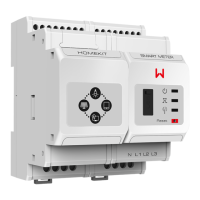
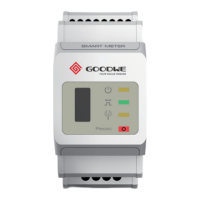
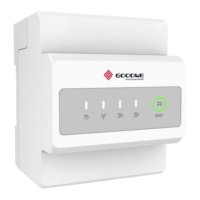
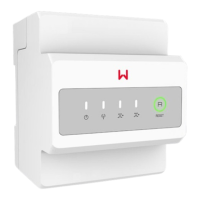
NOTE
1
2
4
4
3
2
1
6
4
3
5
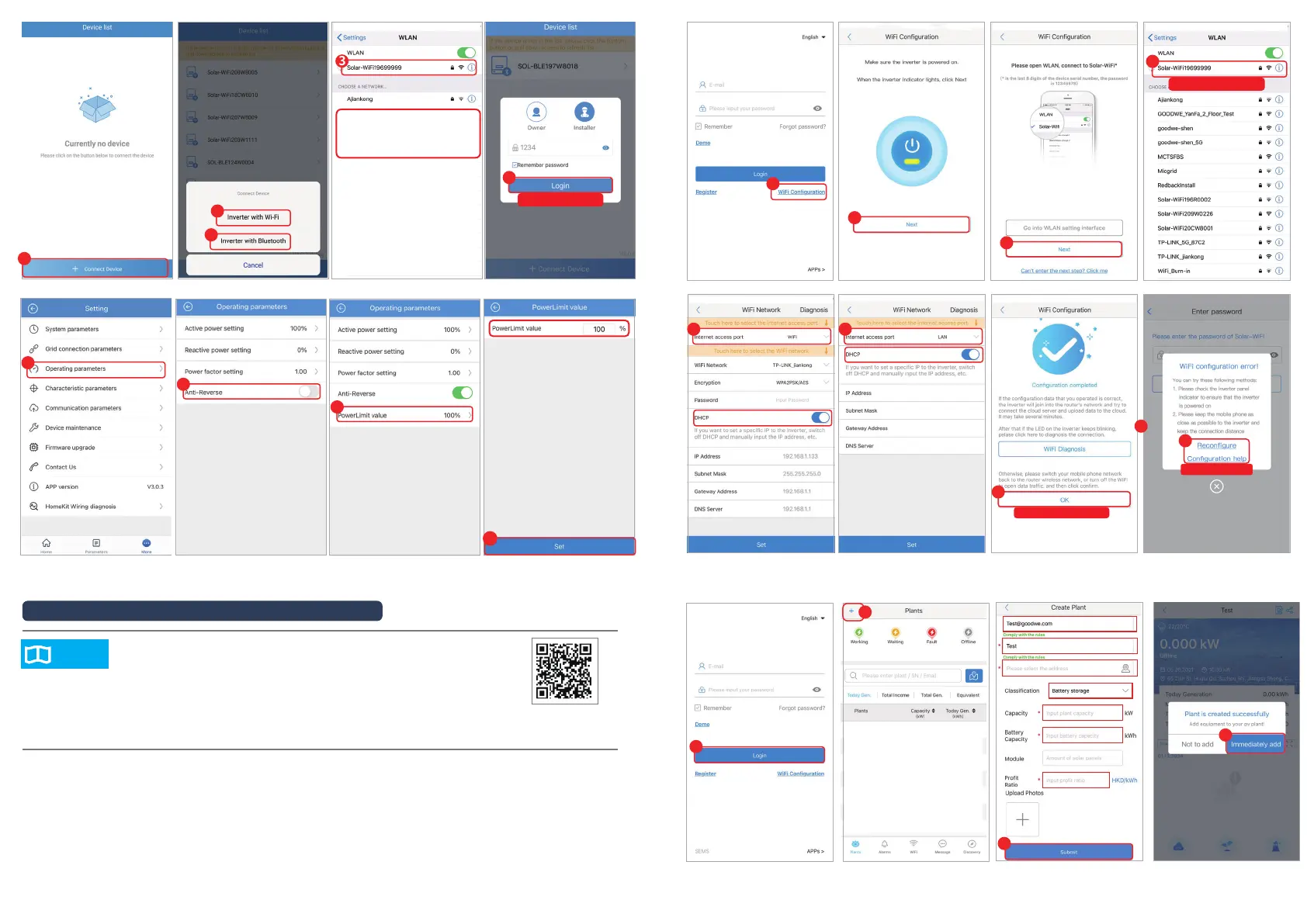
• Bluetooth: SOL-BLE********
• WiFi: SOL-WiFi********
• Initial Password for WiFi: 12345678
• * are the last 8 digits of the inverter SN
OR
6
Congure Failed
Congure Completed
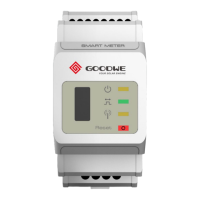
HK3000 Network Configuratin and Monitoring via SEMS Portal
SEMS Portal APP
• Scan the QR code to download SEMS Portal APP.
• Connect HK3000 to the Ethernet properly via SEMS Portal.
• Log in using the initial password for the rst time and change the
password as soon as possible. To ensure the account security, you are
advised to change the password periodically and keep the new password
in mind.
Initial Password : 1234
Initial Password:12345678
Select WiFi or LAN as Internet Access Port. Switch o DHCP and manually input the IP address if you want to set a
specic static IP.
5
OR
5
6
7
8
7
9
10
8


 To Next Page
 Loading...