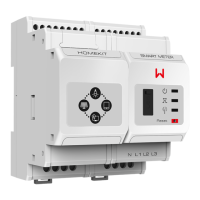
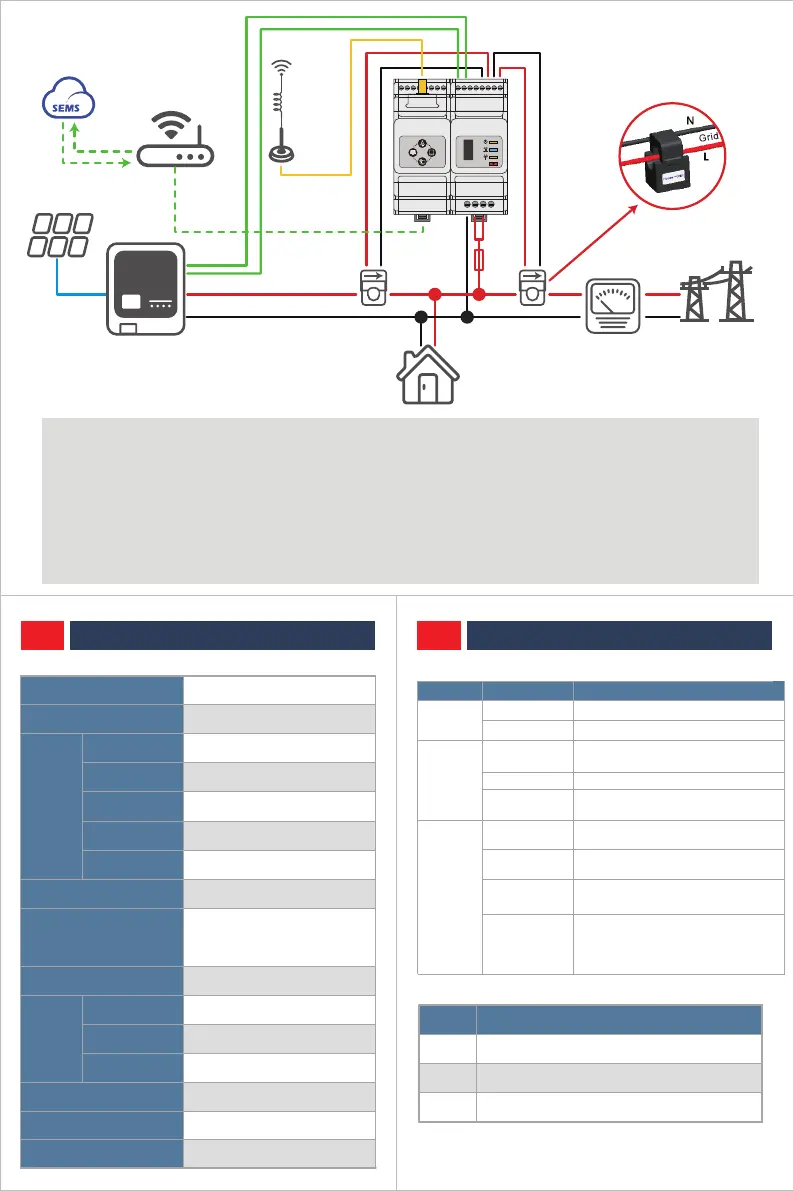
3.3 WIRING CONNECTION
340-00339-03
Reset
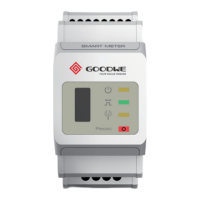
SMART METER
USB
HomeKit
* Please note the CT location: CT1 is connected to the Grid Point, while CT2 is connected to the Inverter Output Point, and
the arrow direction on the CT is pointed to the Grid from the Inverter side. The connection wires of CT are RED
corresponding to '+' and BLACK corresponding to '-'.
* HomeKit is only suitable for Single-Phase grid application. Please short connect L1 and L2 in HomeKit side (see the
wiring diagram), otherwise it may cause measurement error.
* If you need to set the Export Power Limit function, please connect the inverter and HomeKit using the RS485 cable.
04 ELECTRICAL DATA
HK1000
Household Loads Mornitoring
100V~240 V
110V/230V
50Hz / 60Hz
CT in:120A / 40mA
0.48A-120A
<5W
Active/Reactive Power Energy
Class 1
Class 1
Class 2
Wi‒Fi or LAN
Self-Consumption
Data Detection
Energy Calculation
Communication
Weight
Altitude
Voltage Range
Nominal Voltage
Frequency
Nominal Current
Current Range
Active Power / Reactive Power
/ Power Factor / Frequency
Voltage/ Current
Active Power
Reactive Power
Voltage
Current
05 INTERFACE
Router
Any inverter brand
Load
Grid
PV
House meter
Wi-Fi
LAN
CT2 CT1
CT1+
CT1-CT2+
L
N
CT2-
House → Grid
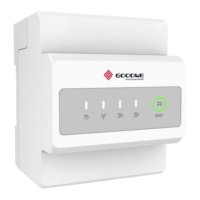
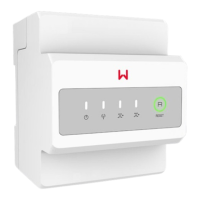
5.1 INDICATIONS
5.2 RESET BUTTON
5.3 USB PORT
For after-sales maintenance.
Press
1-3s
5-10s
>15s
Function
Restore Meter of HomeKit to factory Settings
Restore Communication Module of HomeKit to
factory Settings
Restore Meter of HomeKit to factory Settings and clear
energy data
Precision
MODEL
APPLICATION
440g
<2000m
FUSE
0.5A
A(485A+)
B(485B-)
Power
Indicator
Status Description
Energy
consump-
tion
Commu-
nications
Steady on
Off
Blinking
Double blinking
Quadruple
blinking
Off
Power on
Power off
Selling to the utility grid or
communicates well with HomeKit
Purchasing from the utility grid
HomeKit is trying to connect to the
router.
HomeKit is trying to connect to the
server.
HomeKit connects to the server
successfully.
Communication parameters for
connecting HomeKit to the router or
the server have not been set in SEMS
Portal.
Off
Exceptional communication
between the inverter and HomeKit.
Steady on
Steady on


 To Previous Page
 Loading...