13
Quick Installation Guide V1.1-2022-02-21
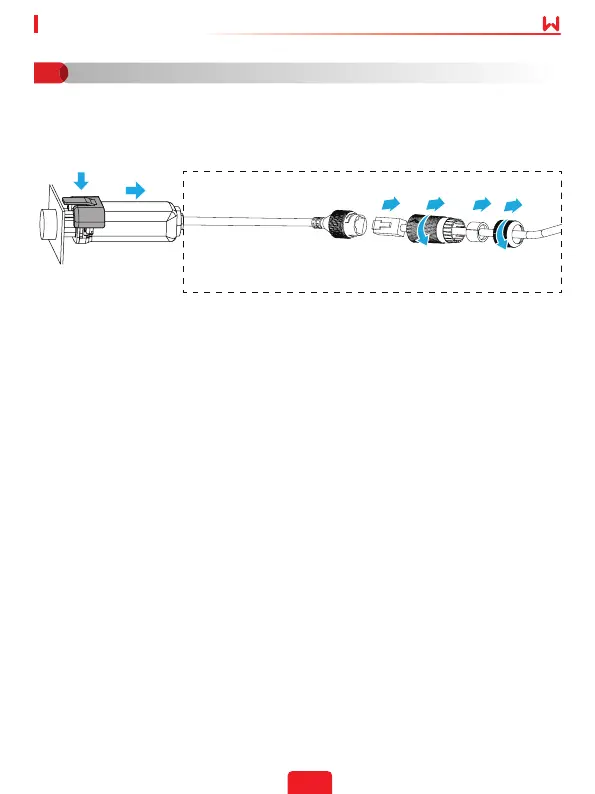
Step 1 Prepare the new device before replacing the device.
Step 2 Remove the device using the Unlock Tool.
Step 3 Install the new device.
Step 4 Refer to the device Quick Installation Guide to congure the device.
1
2
5
4
7
8
3
6
Perform the next steps only when you need to remove the
Wi-Fi/LAN Kit.
Device Replacement
06


 To Next Page