7
Quick Installation Guide V1.1-2022-02-21
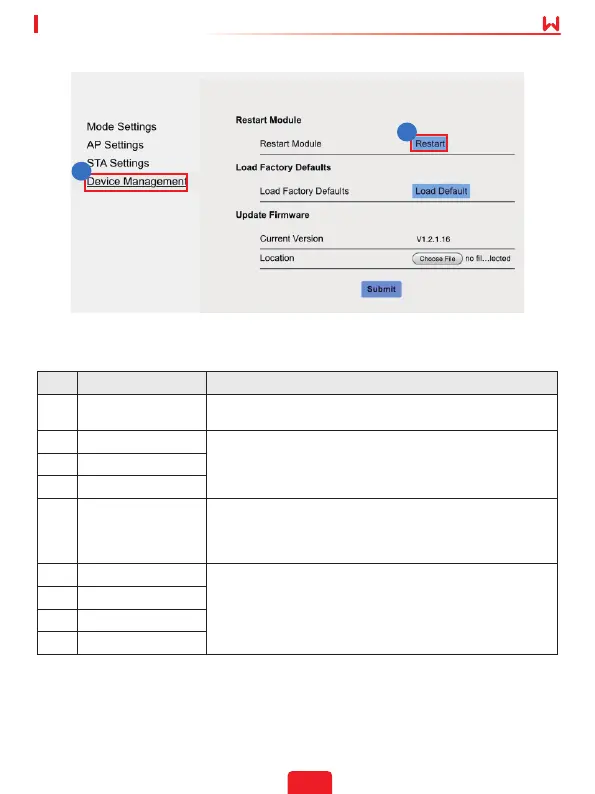
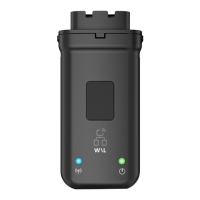
Note: The indicator will be o temporarily when the Wi-Fi/LAN Kit is restarting and be on
again after restarting.
No. Parameters Description
1 AP'S SSID
For WiFi mode only. Click Search to select the router and
click Apply.
2 Security Mode
For WiFi mode only.
Set the parameters based on the router network
information.
3 WPA Algorithms
4 Pass phrase
5
WAN Connection
Type
• Select DHCP(Auto cong) when the router is in dynamic
IP mode.
• Select Static IP when a switch is used or when the router
is in static IP mode
6 IP Address
• Do not congure the parameters when WAN Connection
Type is DHCP(Auto cong).
• Congure the parameters according to the router or
switch information when WAN Connection Type is
Static IP.
7 Subnet Mask
8 Gateway Address
9 DNS Server
11
12


 To Next Page