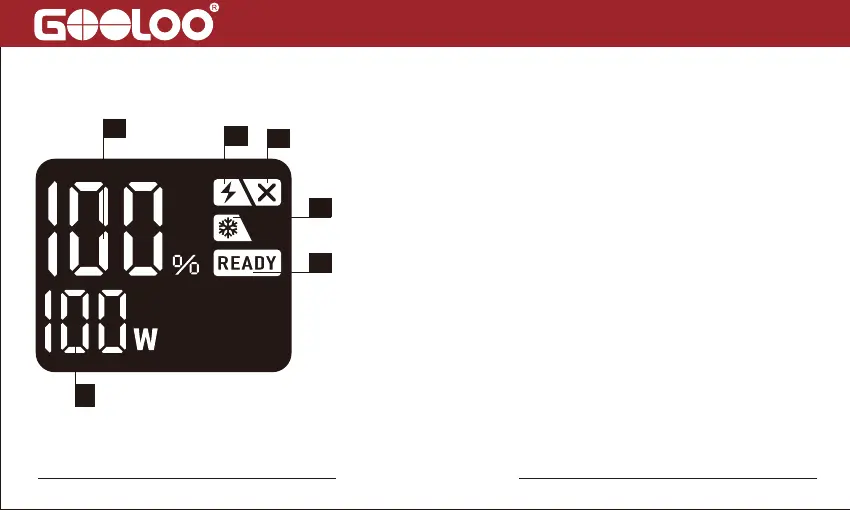
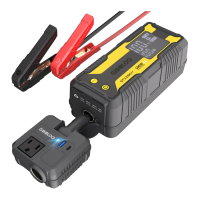
Display Screen Instructions
1
2
3
4
5
6
1. Battery Power Percentage: Battery percentage of
charge/standby/discharge
2. Low Current Mode: Support charging for the devices
that need light charging current like headphone, smart
watch,etc. Press POWER and BOOST button
simultaneously for 2-3s to turn on this mode.
3. “+” and “-” Poles of Battery Clips Reversed
4. Battery Low Temperature Reminder
5. Ready to Start the Vehicle
6. Charge Power/Discharge Power
fiona@gooloo.com


 To Next Page